To get feedback, knowtion has the so-called review mode.
As a reviewer, meaning the one giving feedback, you can be either another author/project creator or a special reviewer user and get invited into a project.

Reviewer users can only see the projects they're actively invited to, while users with their own knowtion access need to head to the review section in the corresponding tab of the project list first.

If you want feedback from someone who doesn't have knowtion access yet, you can set them up as a reviewer user in knowtion. Here's how:
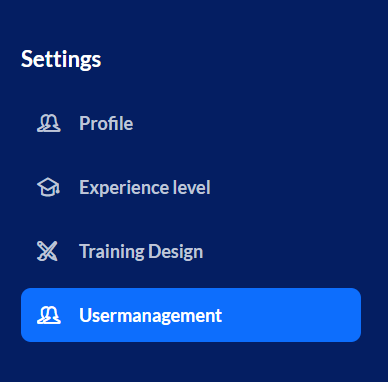
From the menu button in the top left, go to “Settings” and then click on “User Management”
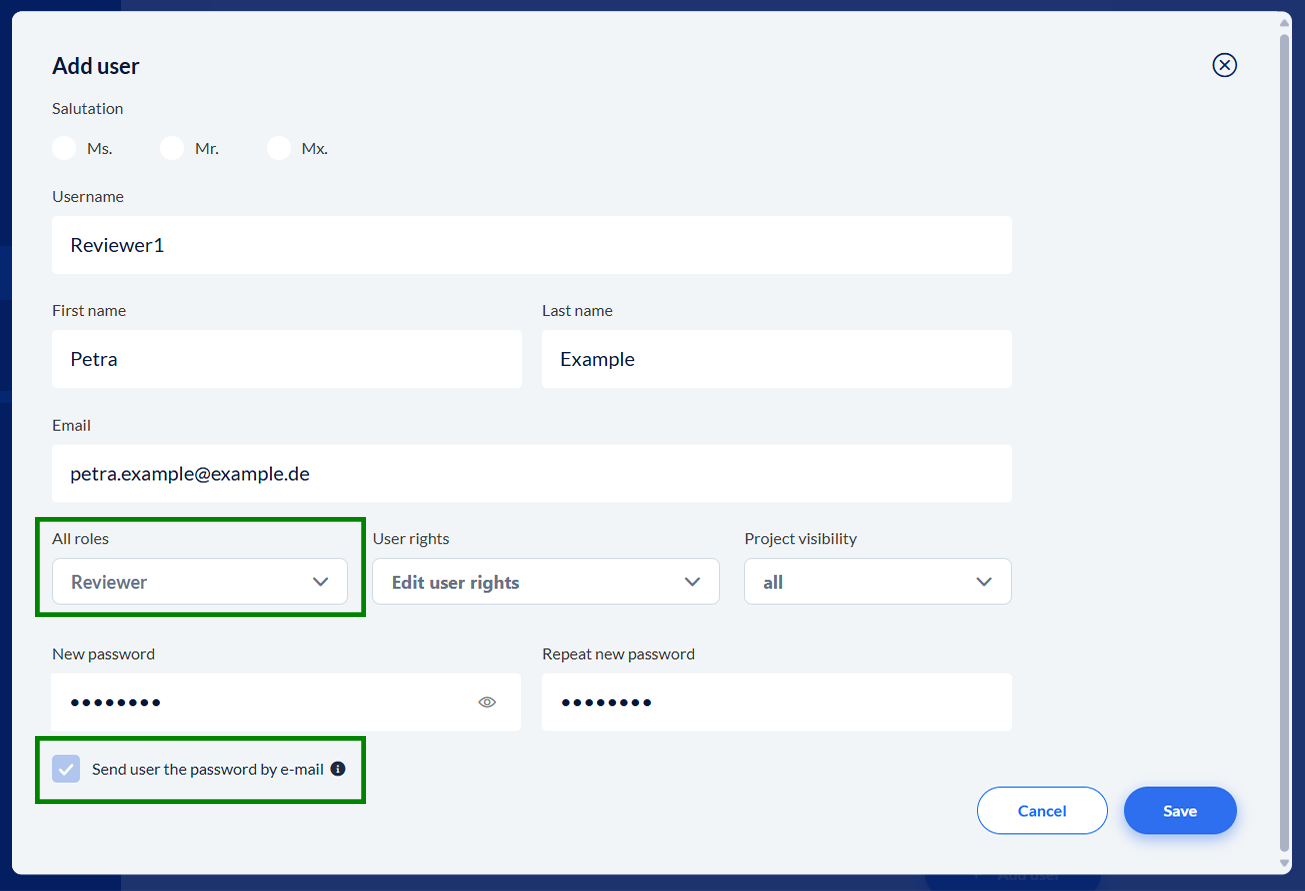
Add users with the “Reviewer” role and, best of all, notify them about access automatically:
To let the user see the project, you have to add them to the project first. A step-by-step guide for this, and for using the review mode as a project creator (“author”), can be found here:
Der Review Modus als Autor
genaue Anleitung zur Nutzung des Review Modus als Projektersteller
After the person logs in, the projects they've been invited to as a reviewer will show up under “Open Reviews.” Next to the project title, in brackets, you'll see the language code, which tells you which language version is waiting for feedback.
In review mode, reviewers can only view the project and add comments—they can’t edit the project itself.
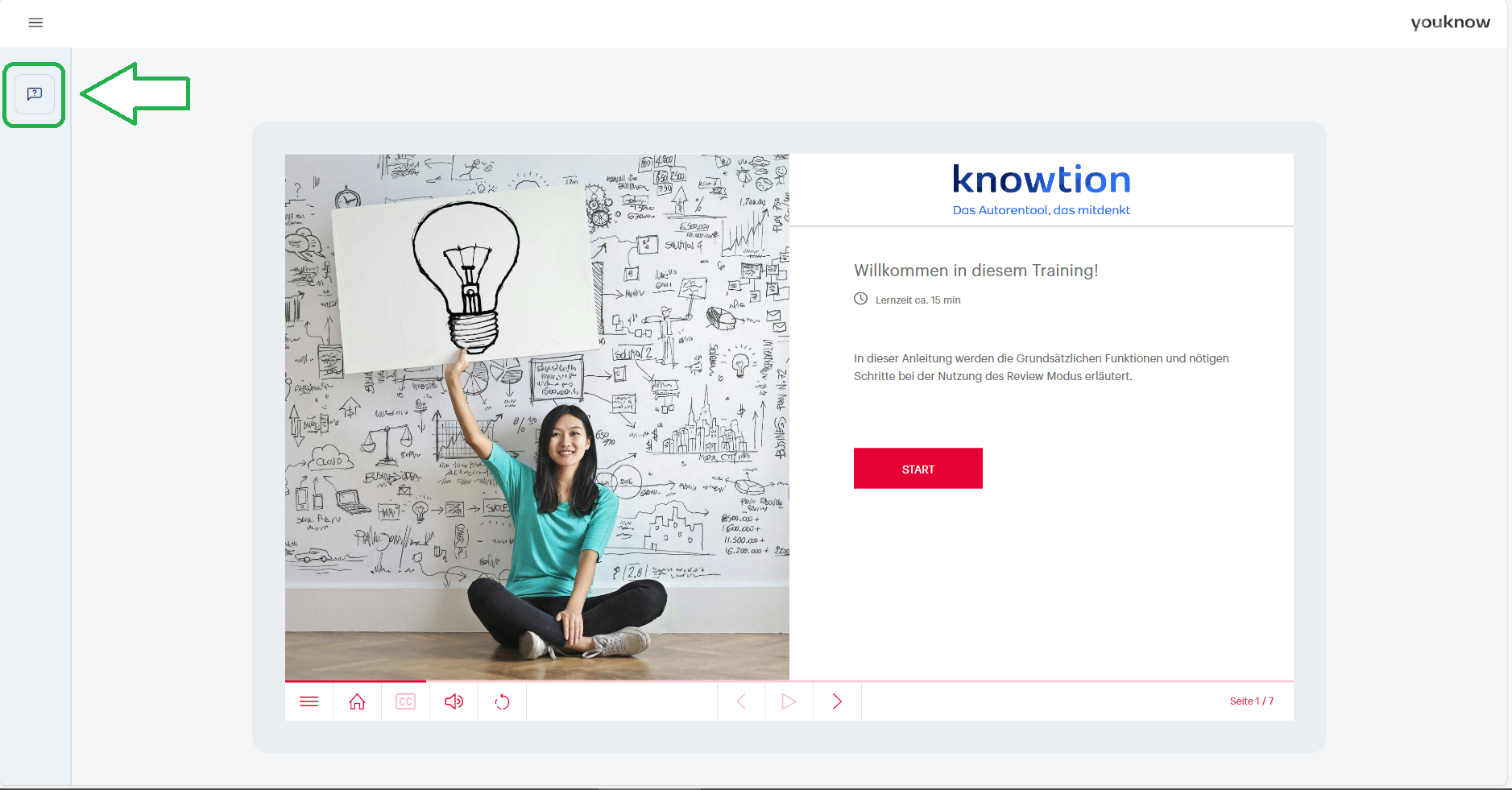
To leave feedback, first open the comments section on the left.
For more info and a detailed description, please click here:
Der Review Modus als Reviewer
genaue Anleitung zur Nutzung des Review Modus als Reviewer
Benutzer verwalten
Wie kann ich Benutzer anlegen, ändern oder löschen?