General Settings
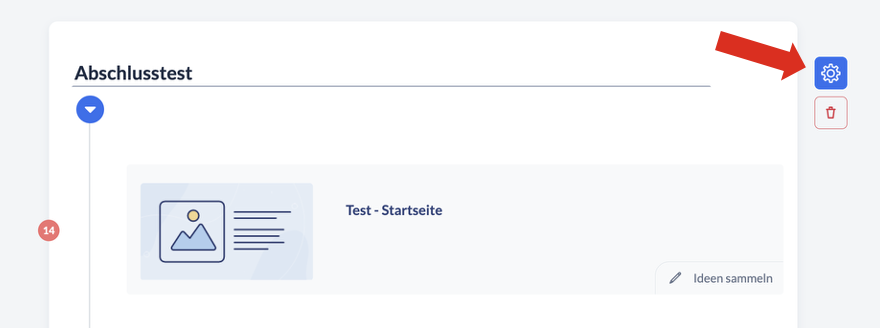
You can find all the settings for the final test in the structure tree: When you hover your mouse over the final test block, a gear icon appears next to the trash can icon used to delete the test. Here you’ll find settings such as the option to require that the final test can only be accessed after all content pages in the chapters have been visited.
Question Pool
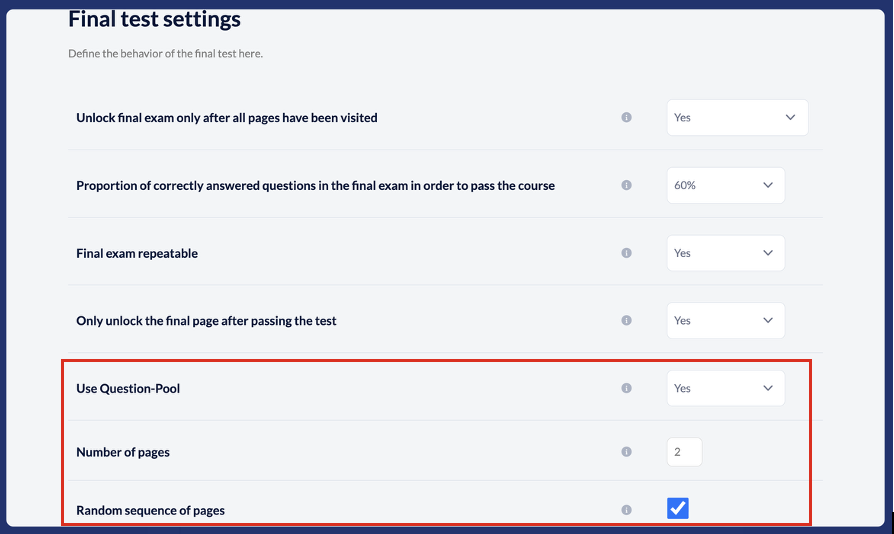
In the settings, you can also specify that the questions you create should be treated as a question pool for the final test. You decide how many questions should be selected in total and in what order (either in the order they were created or randomly).
Display order of answer options
Do you want to prevent users from remembering which answer was correct for a question based on its position rather than its content?
Then simply use the function to display the answer options in random order.
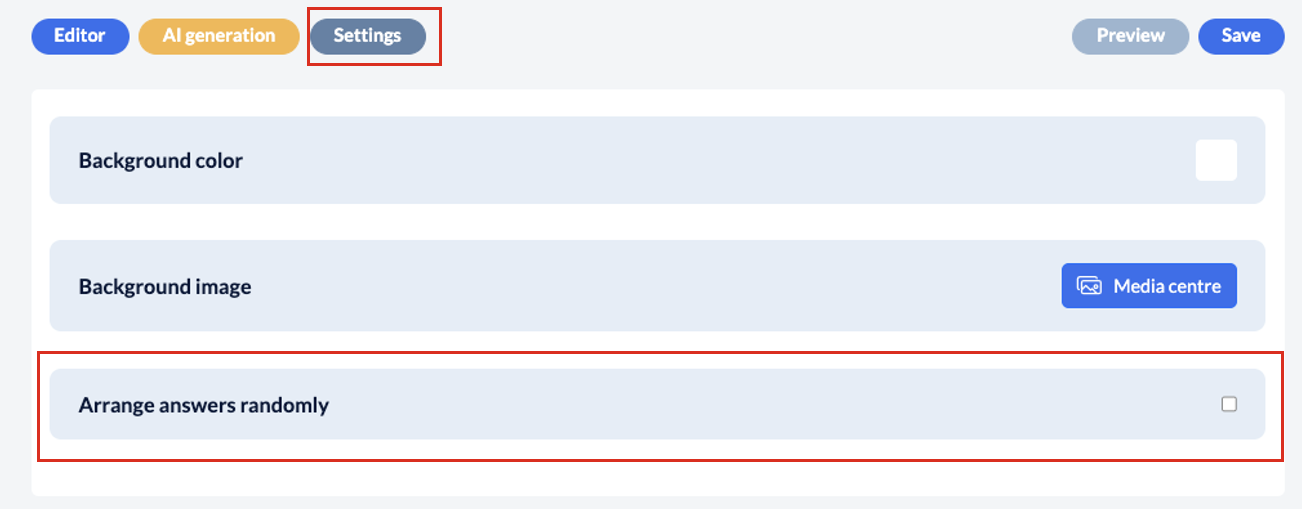
To do this, simply open the desired page in the final test and then click on the ‘Settings’ button in the page editor. You will then find the option ‘Arrange answers randomly’ – please tick this box.
What else is there to know about the final test?
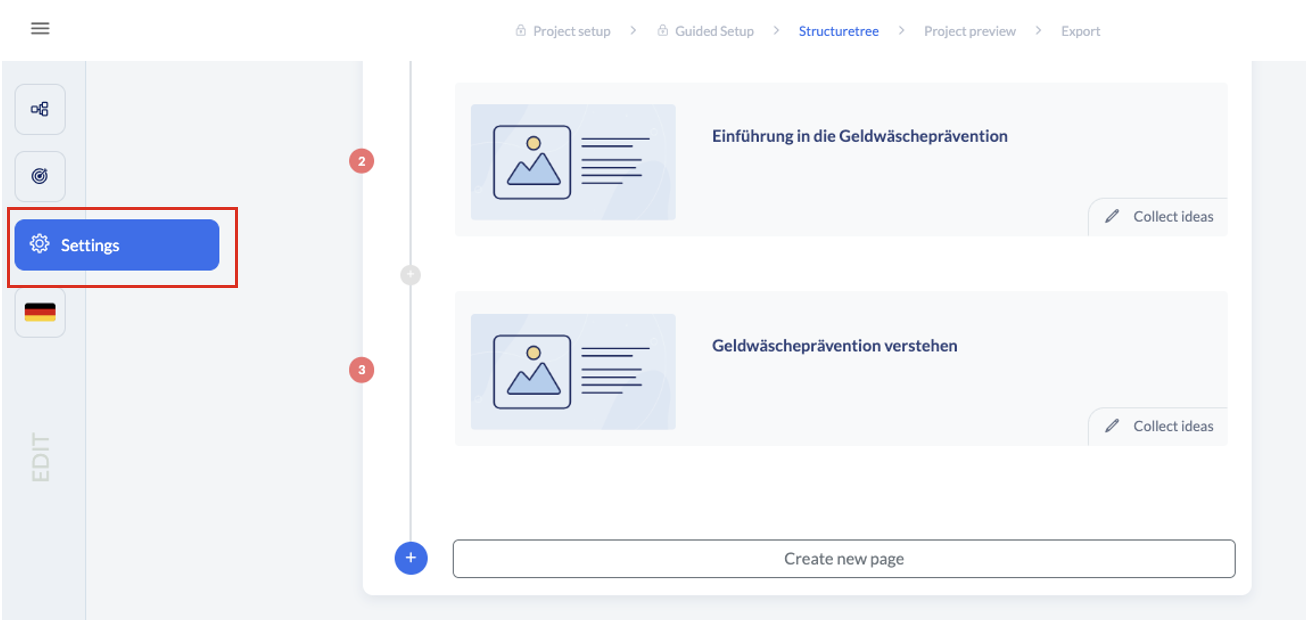
You can define further settings for the final test, such as the percentage required to pass the test or whether it can be repeated, in the project settings. These can be found in the structure tree in the sidebar: Just click on the cog icon.
Final page depending on test result
You also have the option of designing the final page dynamically – i.e. depending on the test result. This means that users see different text depending on whether they have passed or failed the test. More information is available here:
Closing page
Design the closing page dynamically