Why is there a notice?
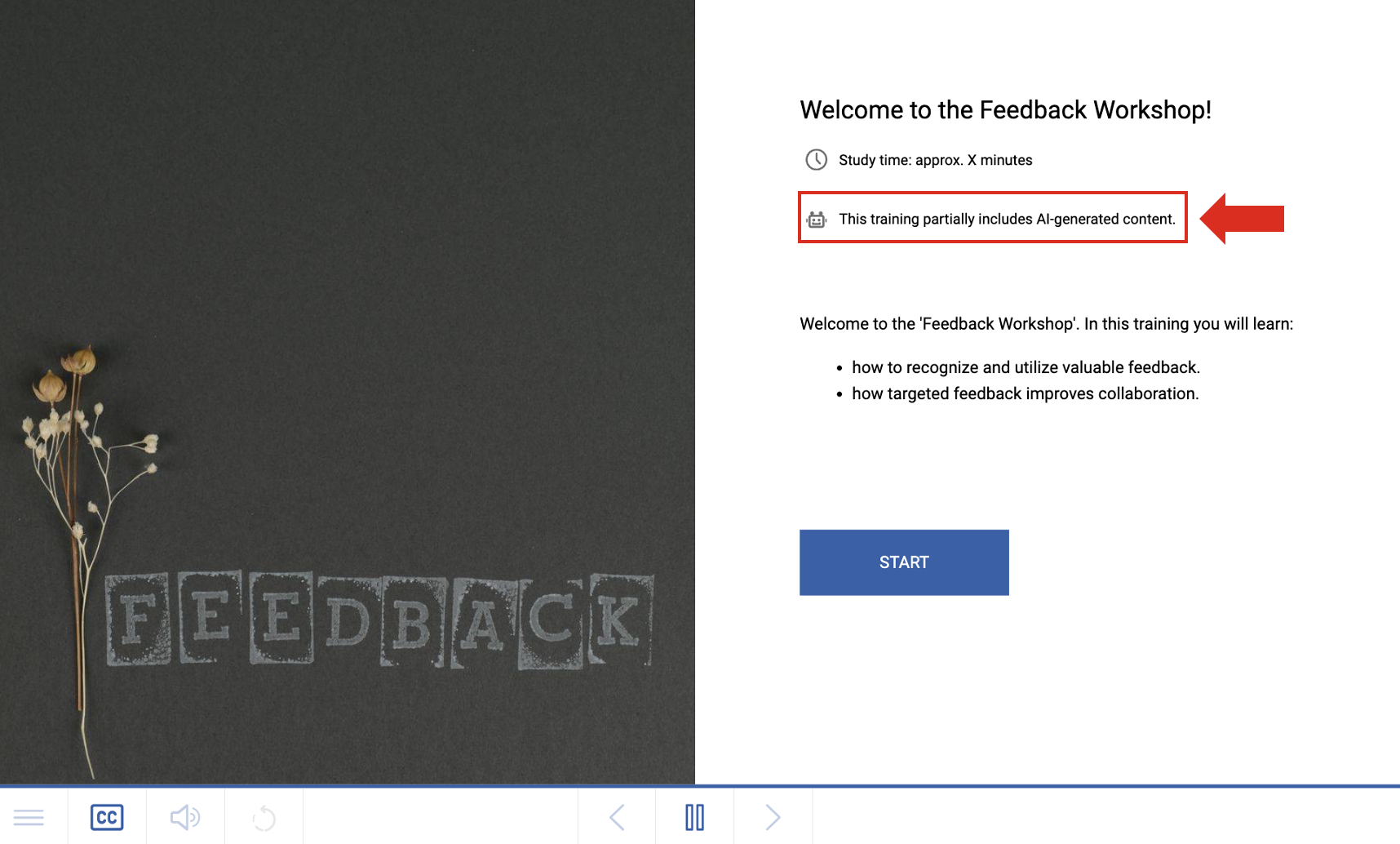
Since the EU AI Act requires a notice to be displayed when AI is used, we integrated this feature into knowtion in August 2026. The notice is enabled by default and appears directly on the training’s home page below the estimated learning time:
How can I turn off this notification?
Open project
Open Homepage – the first page on the very top of your project in the structure tree
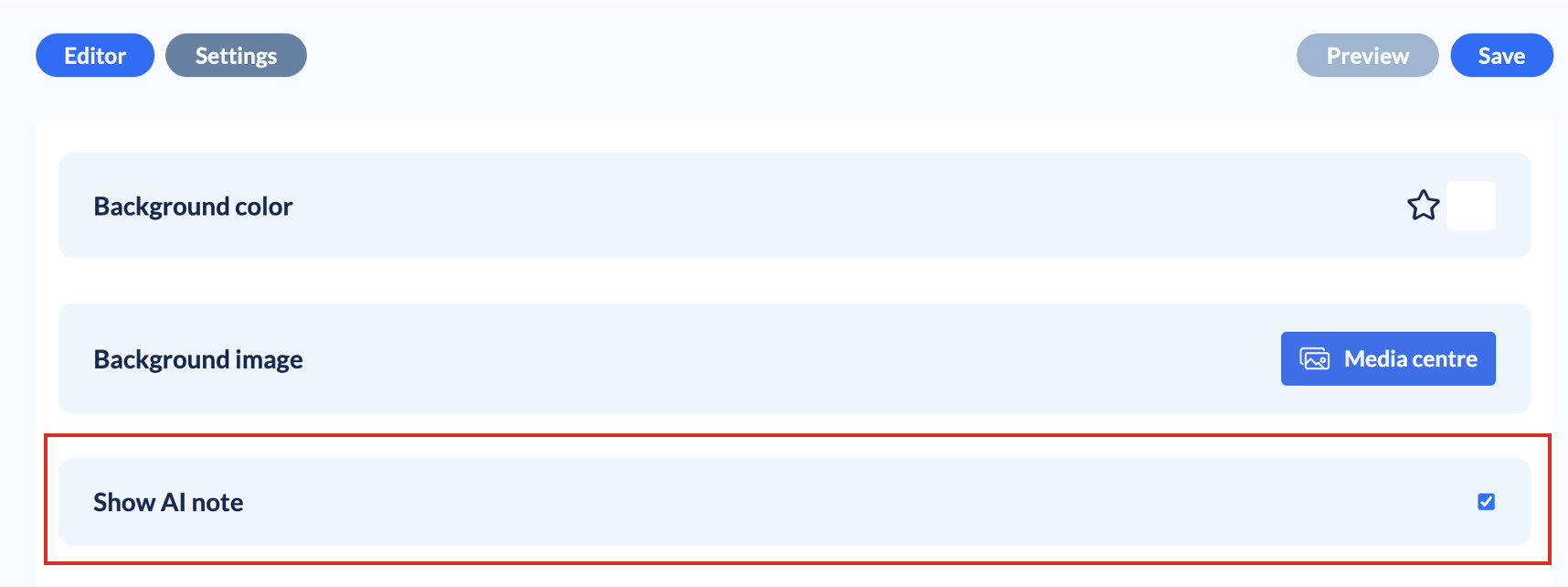
Click the “Settings” button in the top-left corner. Then simply uncheck the corresponding checkbox: