After you’ve gone through all the steps of creating the project and confirmed your selection in the “Final test” section, you can choose how your project should now be created.
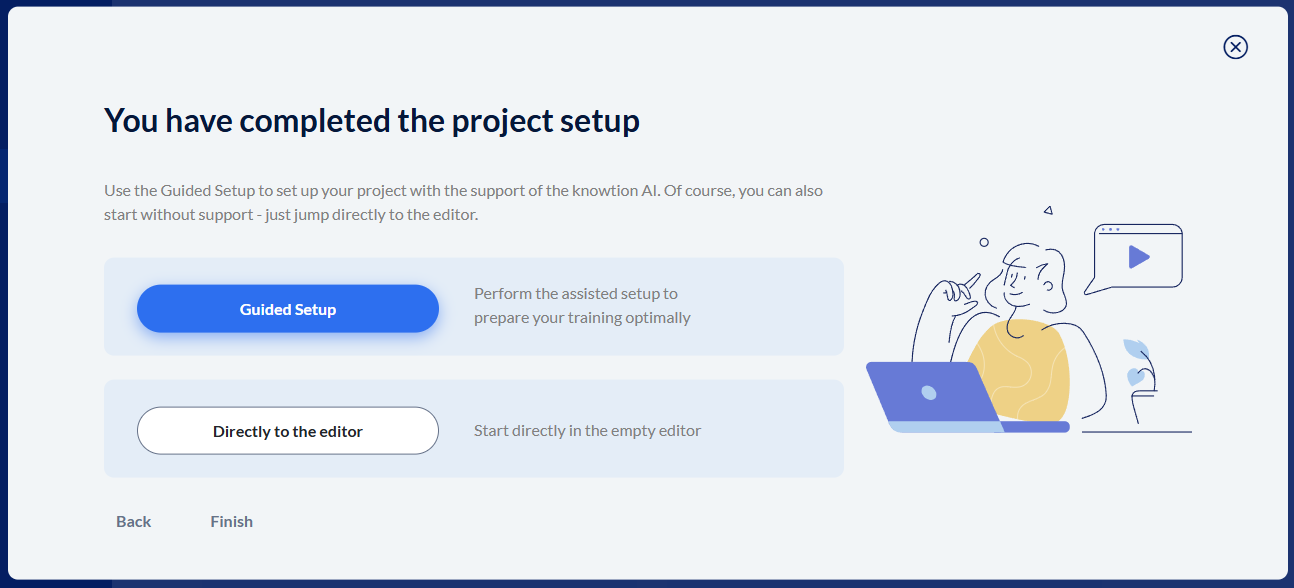
The “Guided Setup” walks you through creating the project and helps you define learning objectives, and if AI permissions are enabled, it can even generate content for you.
You can read more about it here: Guided Setup und Guided Mode
If you decide to go to “Directly to the editor”, you’ll create an “empty” project and you’re responsible for filling the project with content yourself.
You can read how that works here: Start mit leerem Projekt