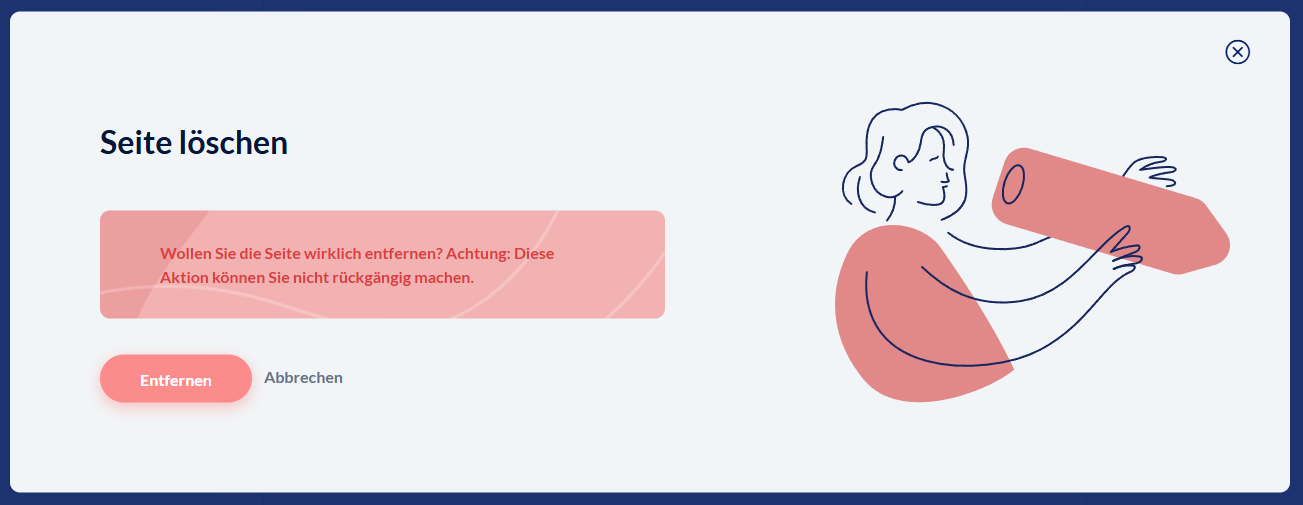
To be able to remove a page from your project, you need to be in the master version of the project.
If you hover over a page in the structure tree, an icon with a trash can appears on the right.

Exceptions:
Some page types can’t be deleted and therefore don’t have a delete button.
For example, the homepage and the main menu can only be deleted together with the entire “chapter.”
In the final test, start and end page have to exist, while you can choose whether the detailed evaluation should be included or not.
After clicking the trash can icon, a prompt appears where you have to confirm the deletion. This prevents content from being deleted by an accidental click.