You want to upload an image/video to a page and decide to use direct media upload — i.e., without going via the media center.
If the title of your desired file already exists in the media center, a pop-up will appear to notify you of this:
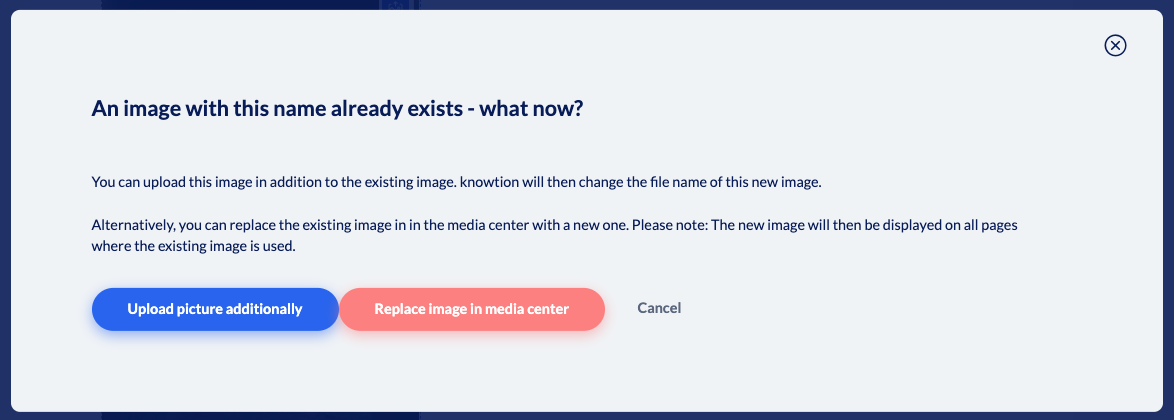
You now have three options:
Cancel: You can cancel the process and search for the relevant image in the media center and insert it if necessary.
Upload picture additionally: A number consisting of the date and time of the upload will be appended to the newly uploaded image.
Replace image in media center: The list view of the media center opens, with the image title already entered in the search bar. You will see all media containing the image title and can choose whether you want to use the file already included under the title in your project or whether you want to replace the file.
