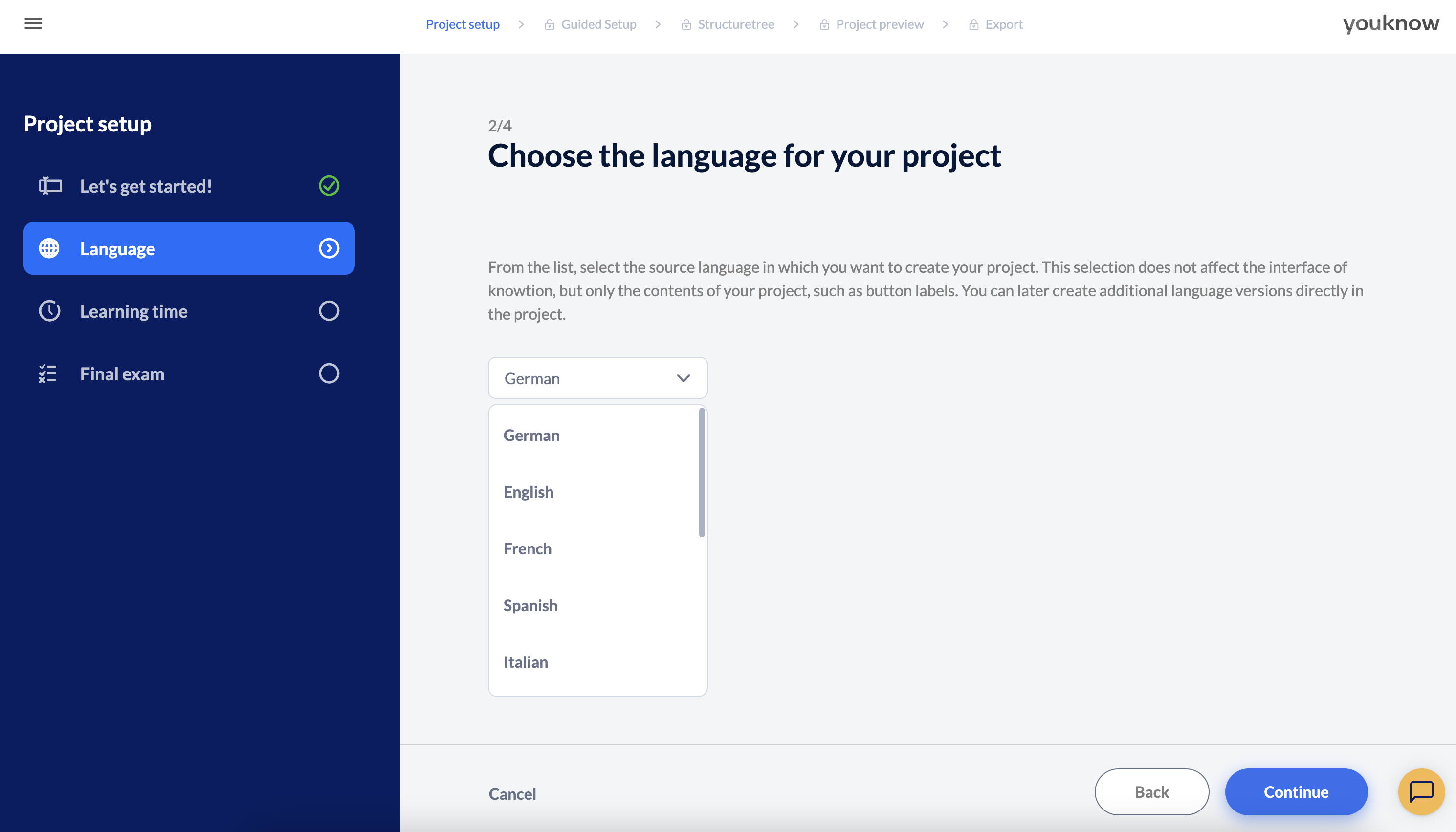
Select the language in which you want to create the master of your project from the drop-down list. This selection does not affect the user interface of knowtion, but only the content of your project, such as button labelling and dummy texts. You can create additional language versions directly in the project at a later stage.
What is a master version good for?
When creating projects and later on adaptations of the project in different languages, it often happens that pages are added in one language, not in the other, things are added etc. This is why our way of dealing with language adaptations is by having one master: In the master you can add and delete pages, in the language adaptations you can’t. So you’ll always know that your master stays your master - the original project version.
You want to know more about how to create a language adaption?
Have a look at this article:
Translate texts automatically
knowtion offers you the possibility to create ready-made language versions with the help of AI