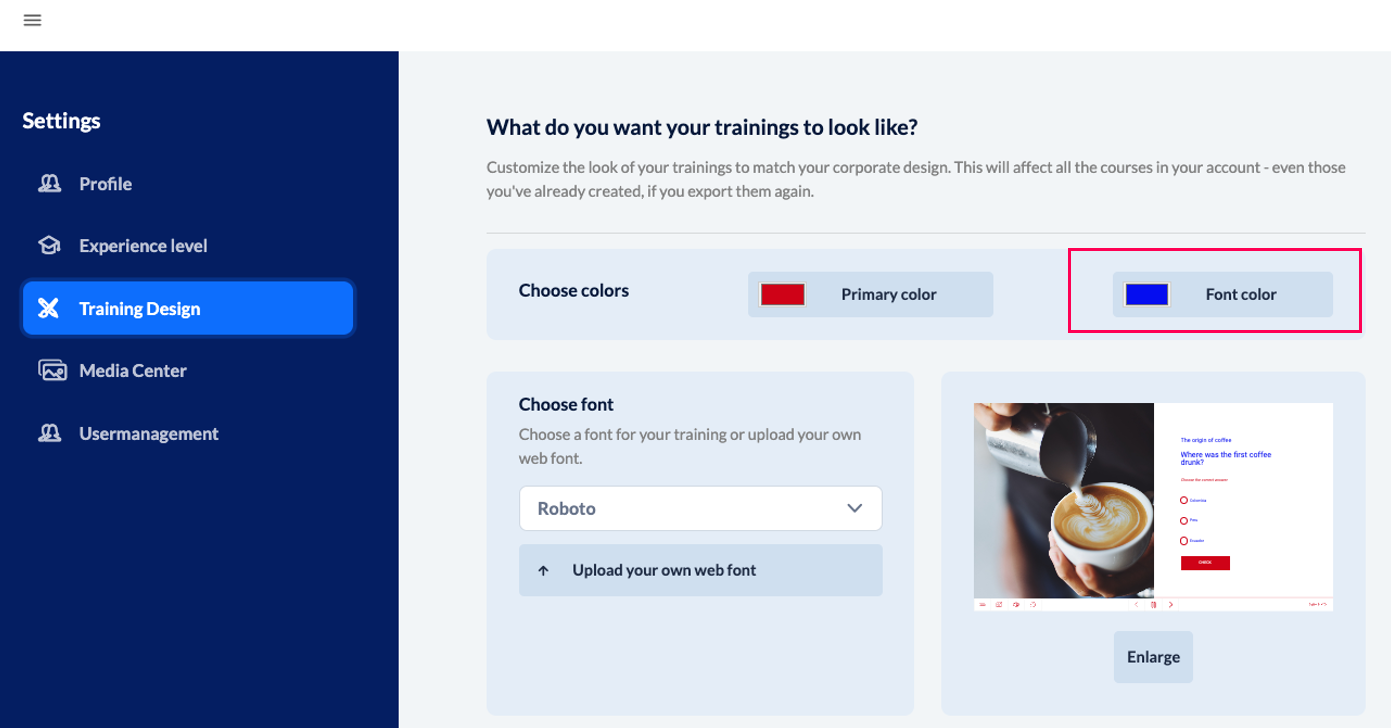
As part of our accessibility efforts, we have introduced the option to customize the font color not only in the page editor for the respective text block on the page, but globally for all pages—including headings.
To do this, go to the menu at the top left —> then click on “Settings” and select “Training Design.”
IMPORTANT: If text has already been recolored within the text editor (e.g., a word in the text is red), it will NOT be recolored when you adjust the font color in the training design in general.