Overview
By clicking on ‘Create new project’ on the start page, you have the choice of creating an individual project or starting with one of our topic templates.
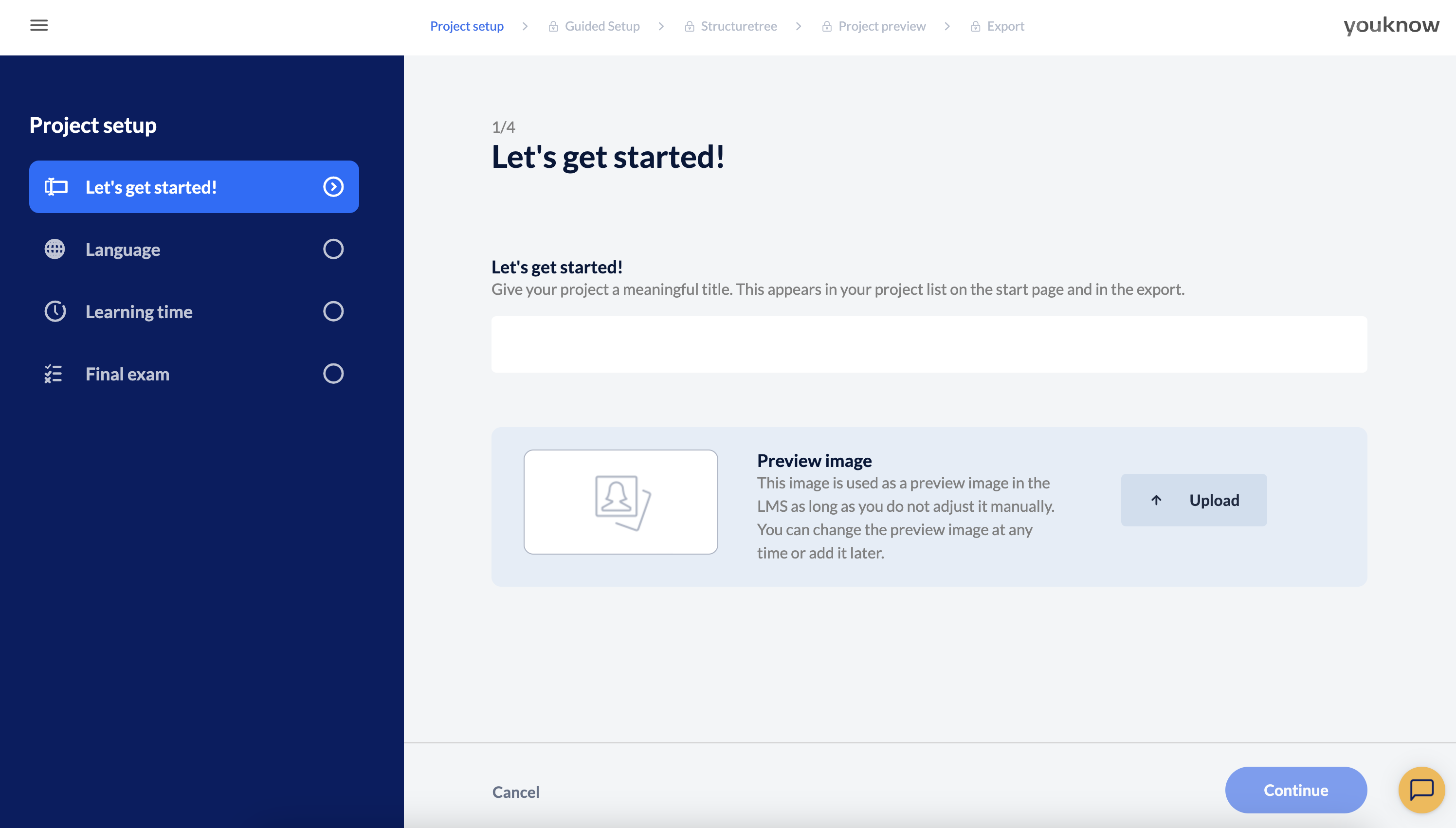
Project title
Choose a meaningful project title. Please note that this appears both in the list of your projects and in the project itself, e.g. in the main menu.
Can I change the project title later? Of course, in order to change the project title just click on the title of a project in the project list (start page) and define a new one.
You also have the option of uploading a preview image for your training on this page – do it right away or later. This preview image will be displayed in the project list and later after the export in the LMS, where you can of course change it at any time.