Do you have a video and want to add subtitles to your training course? No problem.
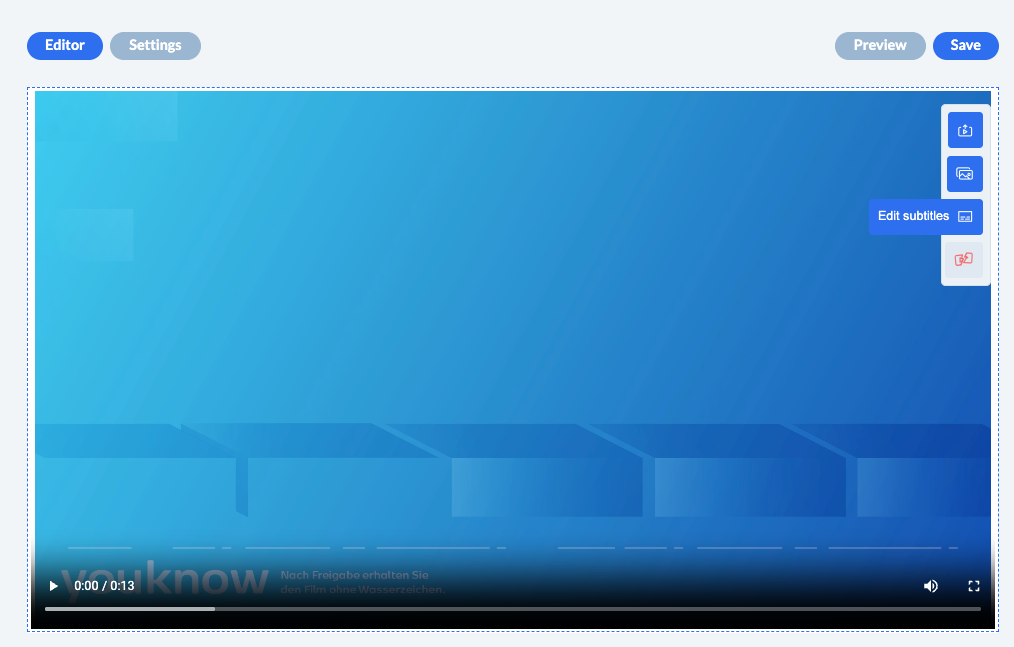
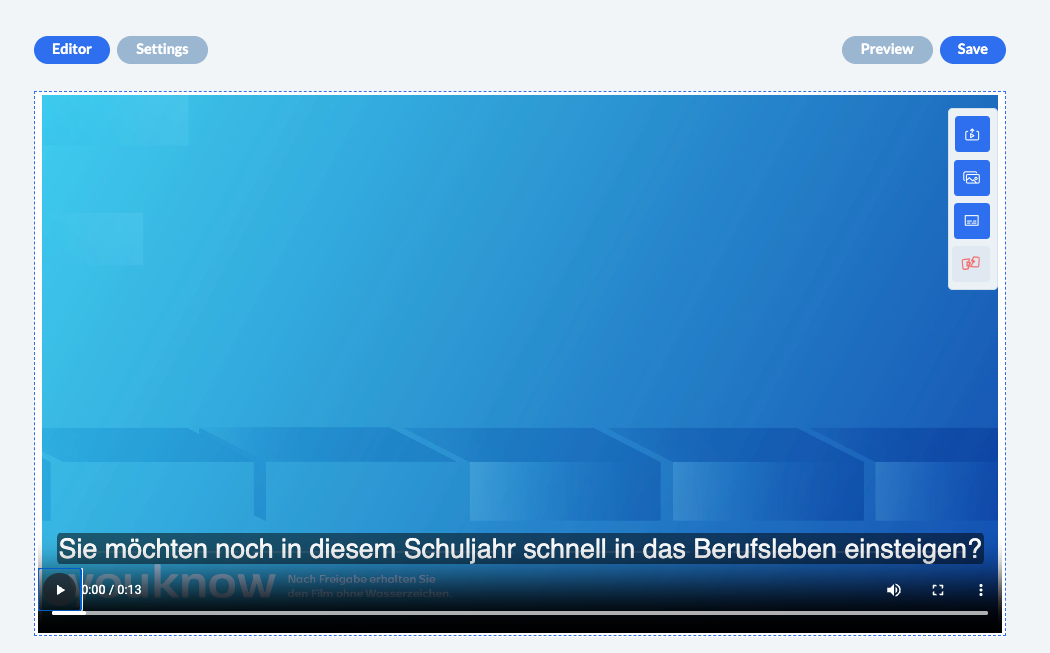
Step 1: Open the video page and upload the video. Then click on the “Edit subtitles” button.
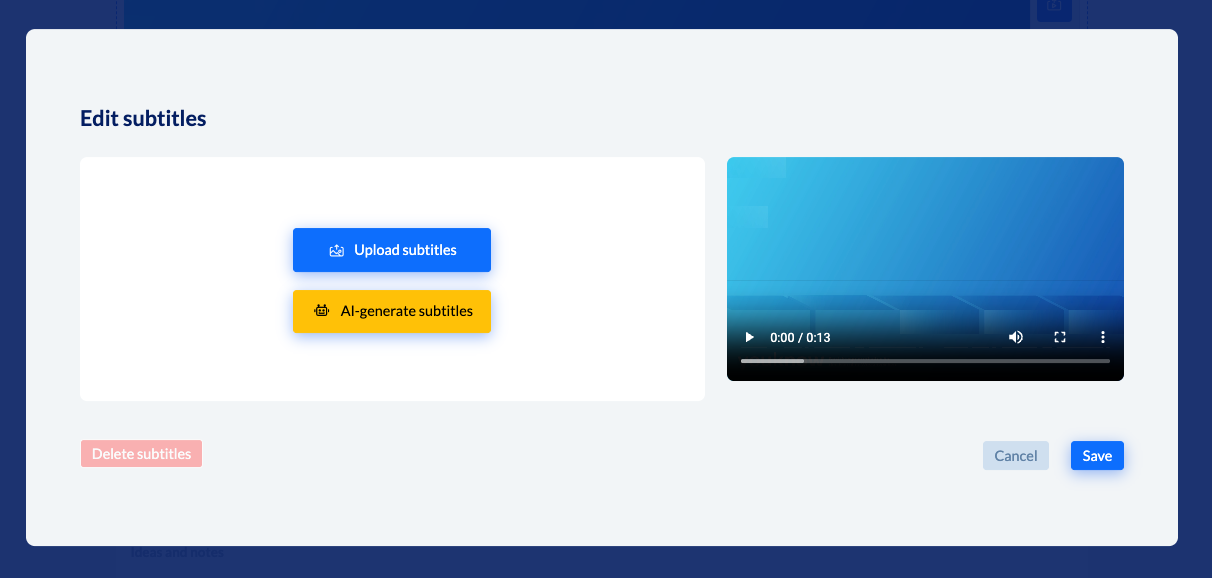
Step 2: Select whether you want to upload your own subtitles or whether subtitles should be generated automatically by AI.
Step 3: Edit subtitles and check the preview.
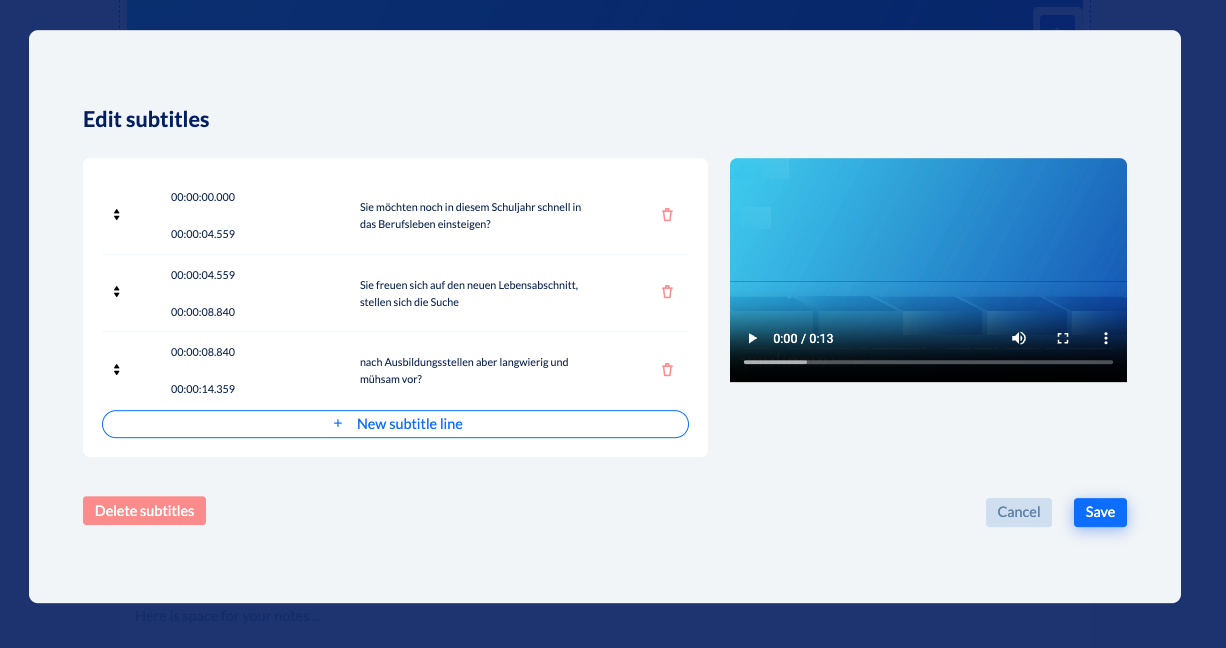
Done!
Good to know: You can easily turn off subtitles
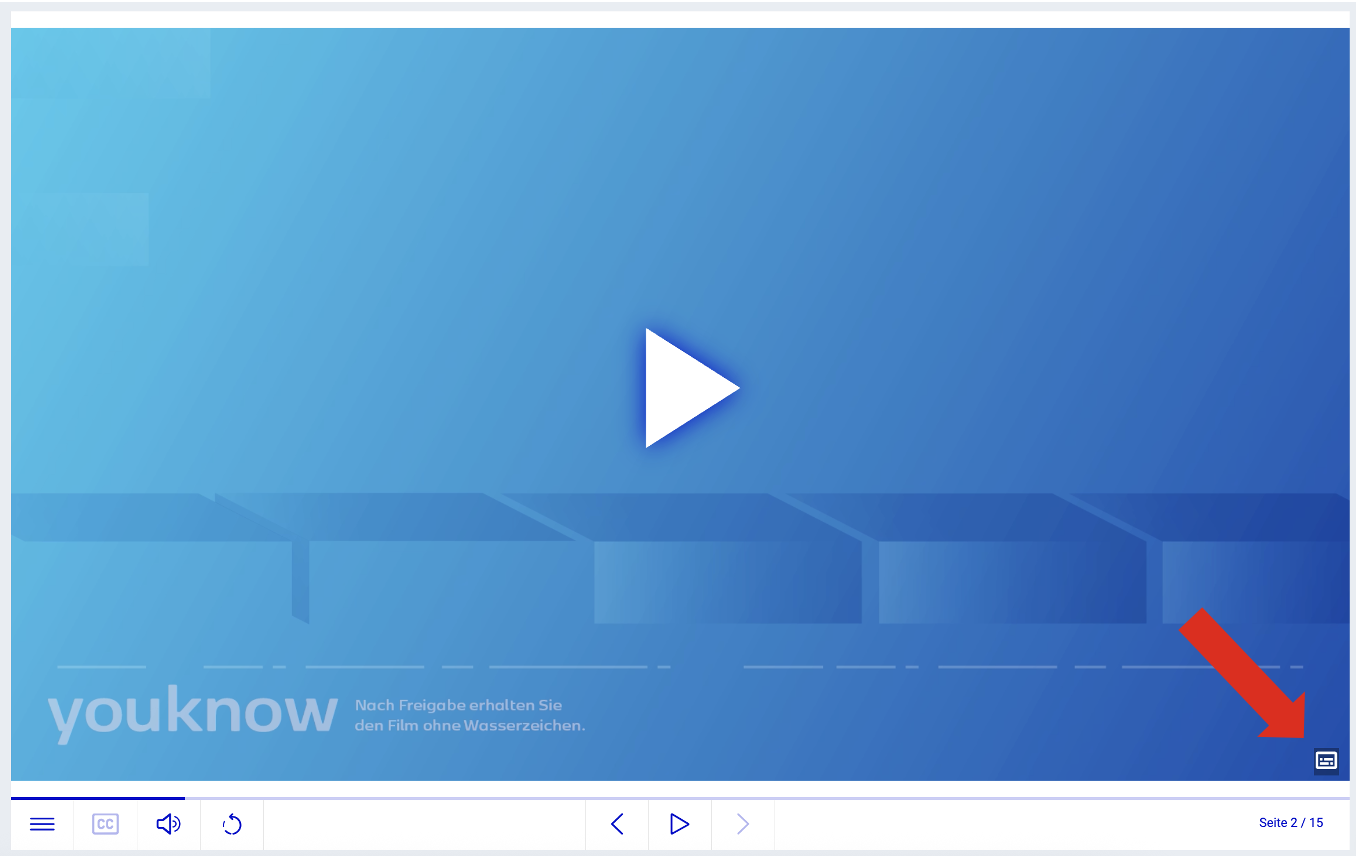
In order to do so the learners just have to click on the symbol on the bottom right: