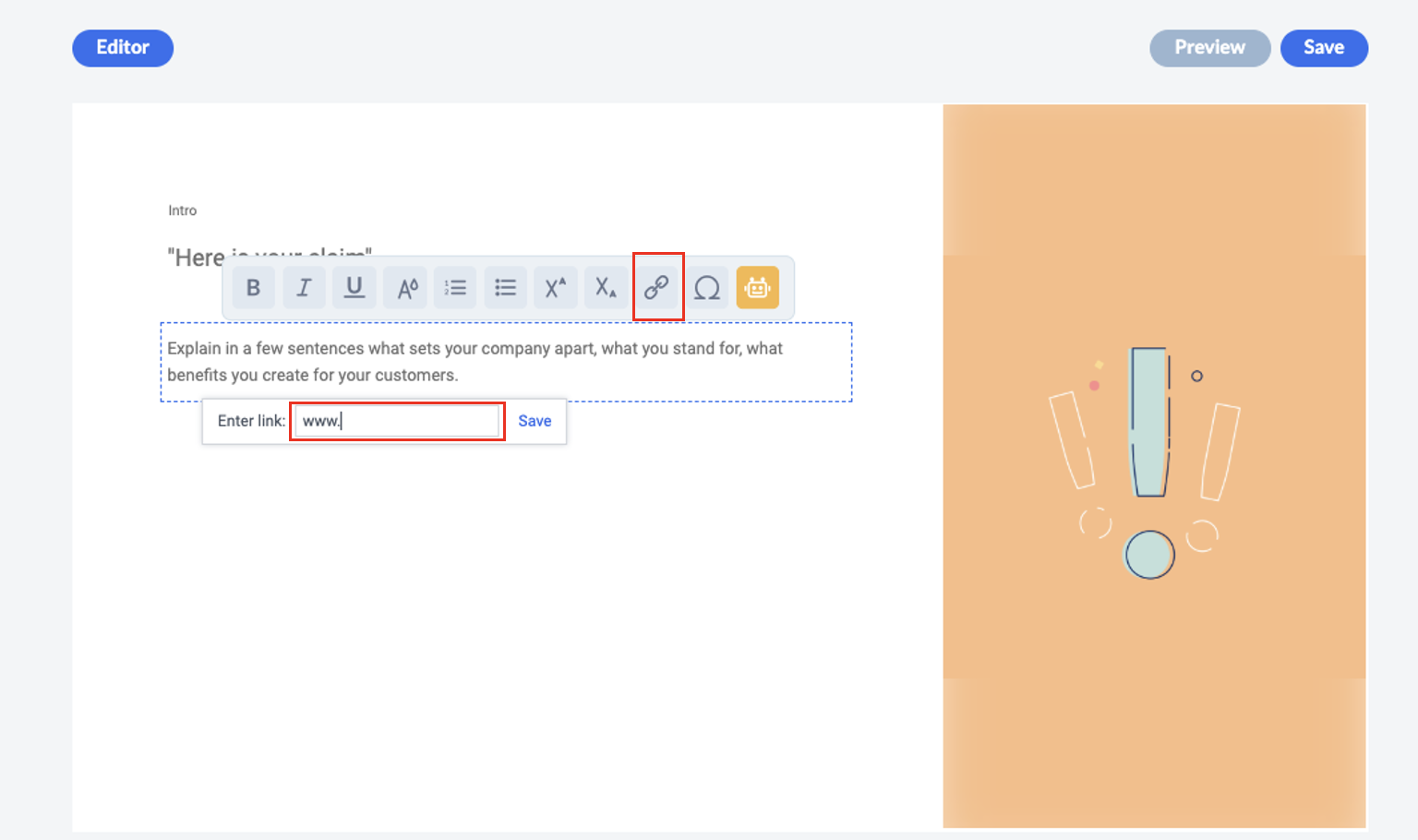
You can easily add a link to your project. You can do this in the text editor on the respective page using the following icon:

Our recommendation:
If possible, place links at the end of a project. Why? So that your learners don't jump somewhere else in the middle of the training and then possibly forget to return and finish the project.
If possible, place links at the end of a project. Why? So that your learners don't jump somewhere else in the middle of the training and then possibly forget to return and finish the project.