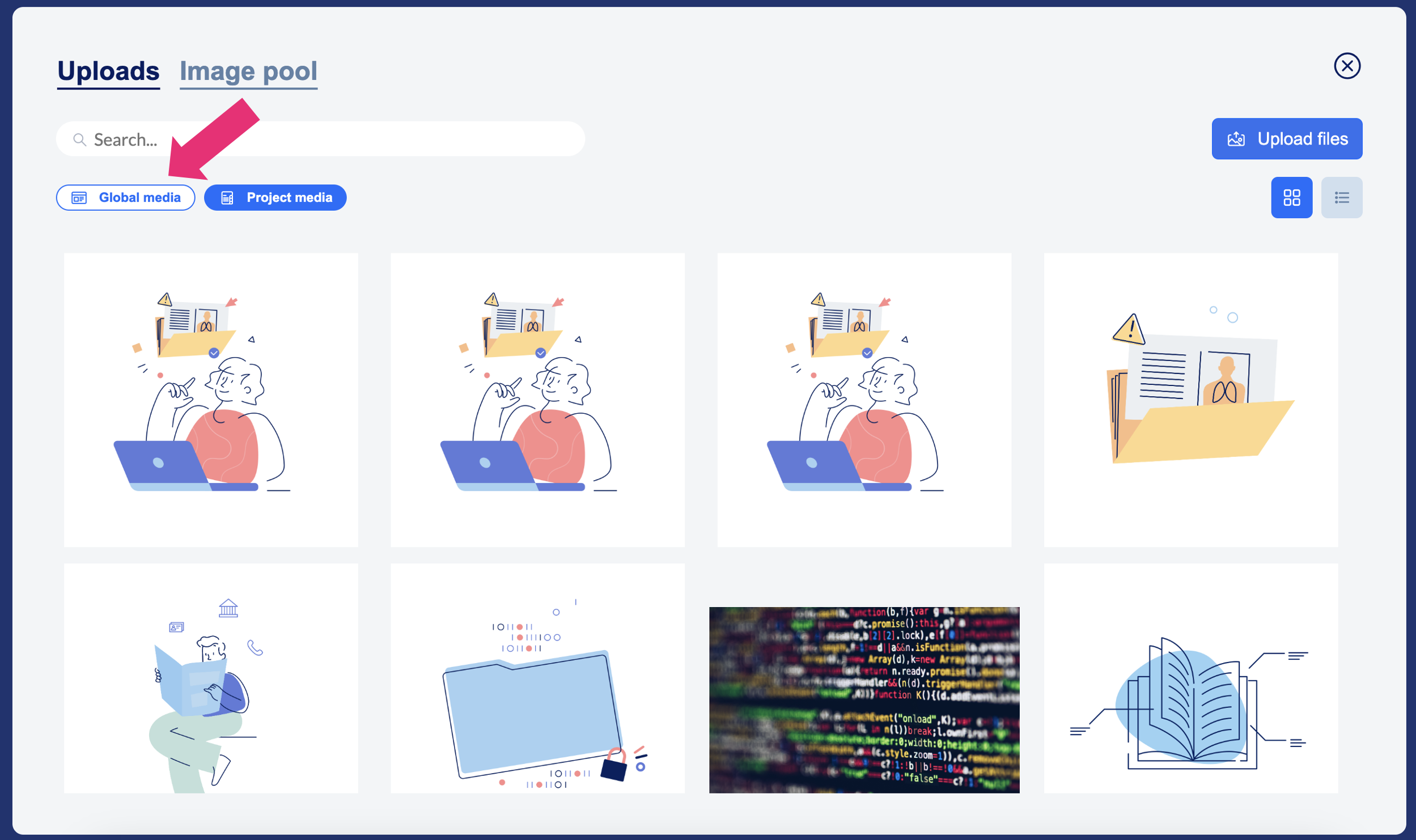
The media centre offers the option of using images and videos again directly from the project after uploading them - without having to upload them again.
Each project has its own project media database.
You can use the media centre to
Upload images
Delete images
Replace images
Good to know: There is also a ‘Global Media’ database. You can access this database from any project.
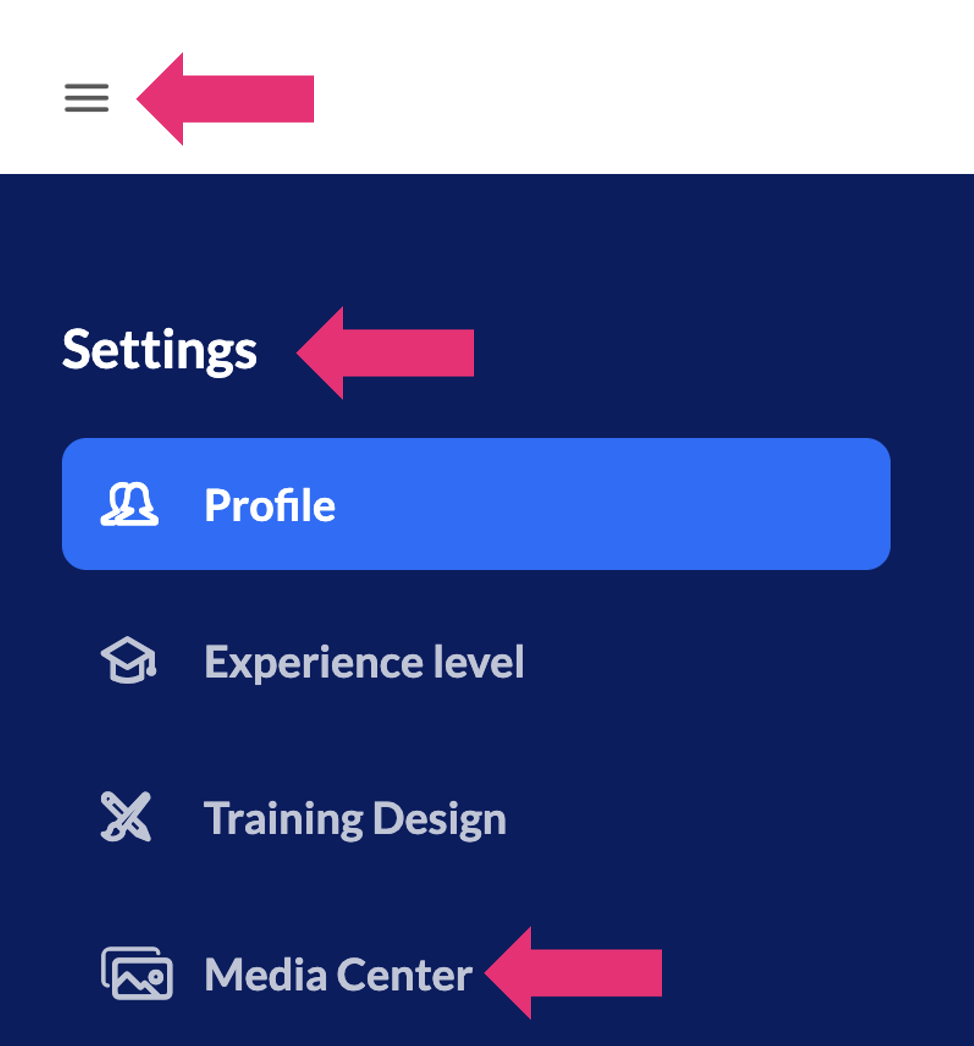
However, you need a certain authorisation to upload media into the global media area. If you have this right, you can find it via the burger menu at the top left under ‘Settings’.
Click here for step-by-step instructions:
Globale Medien hochladen
Projektübergreifende Bilder und Videos zur Verfügung stellen