If you run into a problem or have a question while working with knowtion, our support team is happy to help. So we can help quickly and effectively, we appreciate it if you notify us via the support bubble at the bottom right in knowtion. You can either report a bug there or simply send a message. We’ll then handle your request as quickly as possible.
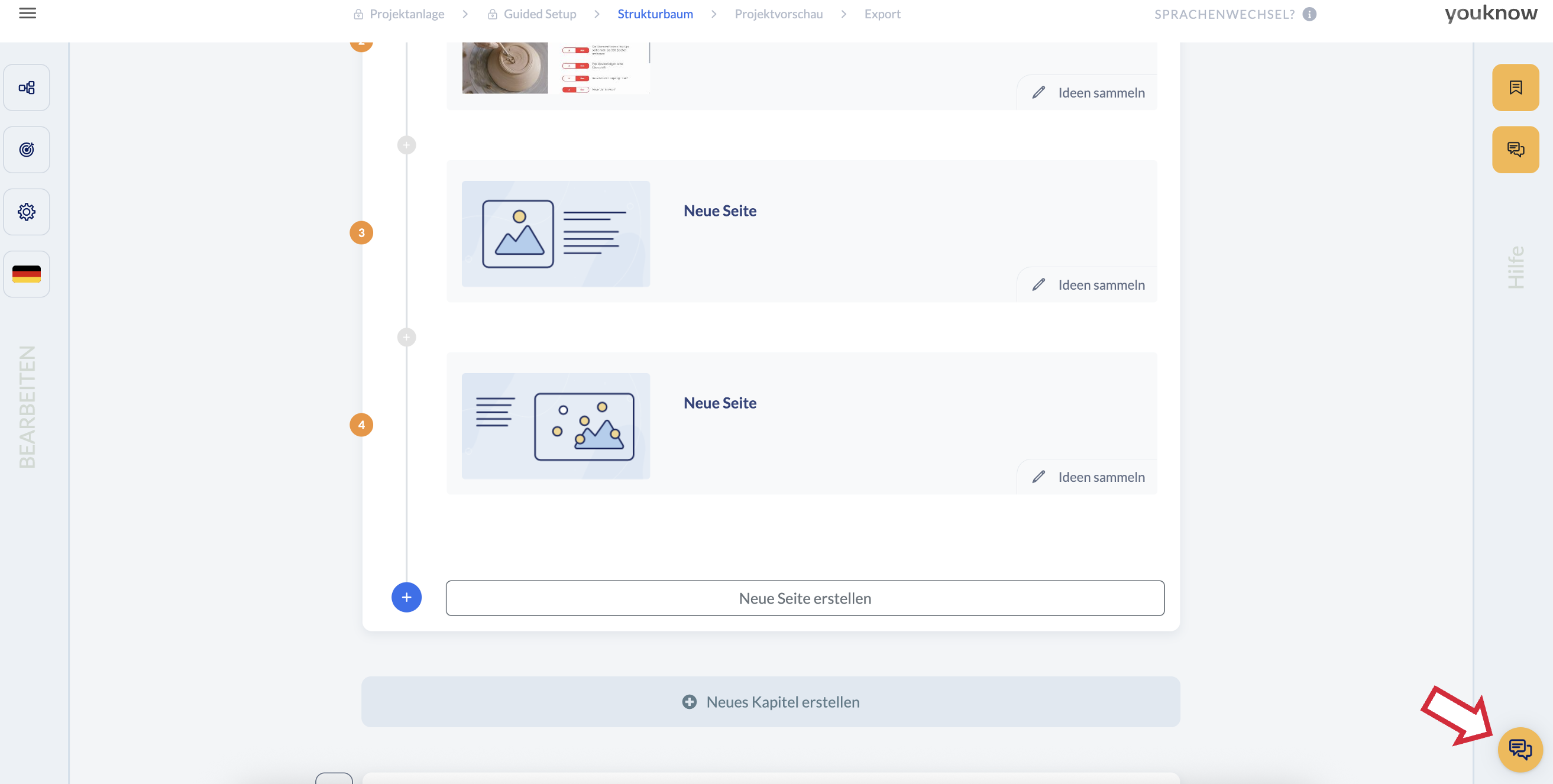
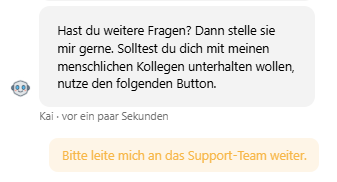
Our chatbot Kai will provide “first aid” and try to solve your issue directly in the best case. If the answer isn’t satisfying or Kai can’t reply, you have the option to connect directly with the support team. After every answer from the chatbot, the button “Please forward me to the support team.” appears, which forwards the message to us.
How do I report a bug?
Ideally, you briefly explain to us or Kai what it’s about. Helpful information includes:
Does the error only occur in a specific project (or in several)?
Does the error only occur on a specific page (or on several)?
Does the error only occur for a specific user?
Has it worked before? Is this the first time the error occurs?
Screenshots can also give us helpful clues. After being forwarded to the support team, they can be uploaded directly in the chat and help us understand the problem better.