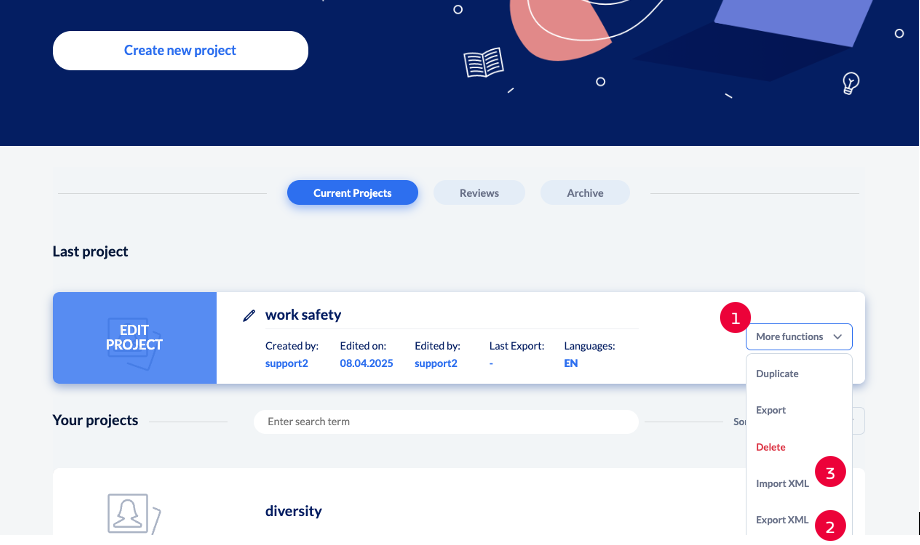
If you’re collaborating with a translation ageny, you might need an xml file. To do this, you can export the file (2) and import the revised file (3) in the project list via ‘Mor functions’ (1).
XML export
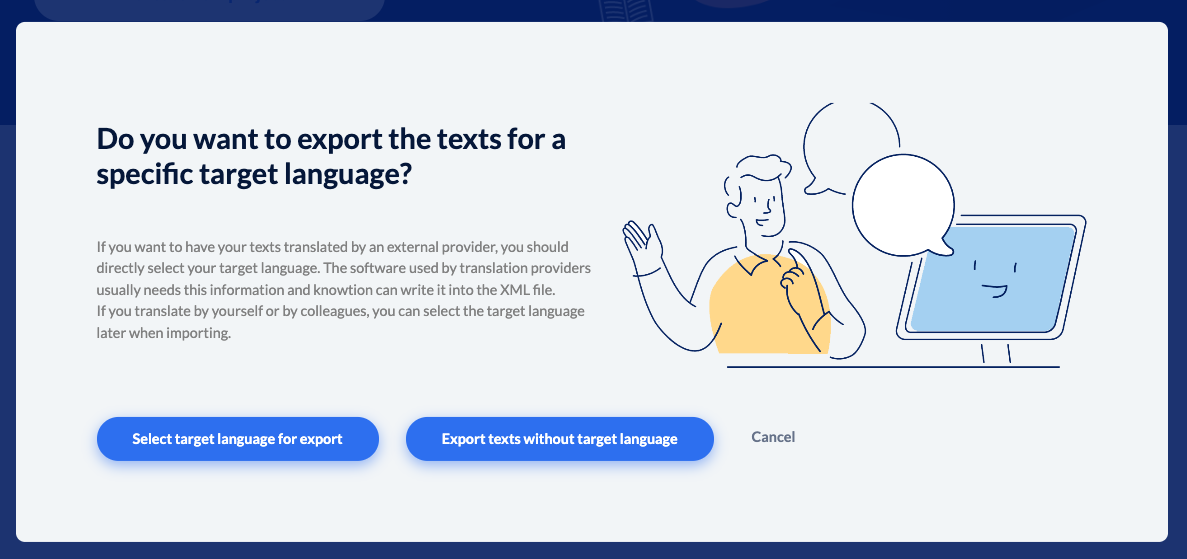
You can export the file in your desired target language or without a target language.
XML Import
If you have received the revised file from your translation agency, you can load it into your project via ‘Import XML’.

knowtion will show you in a popup how many page texts and contents have been translated.
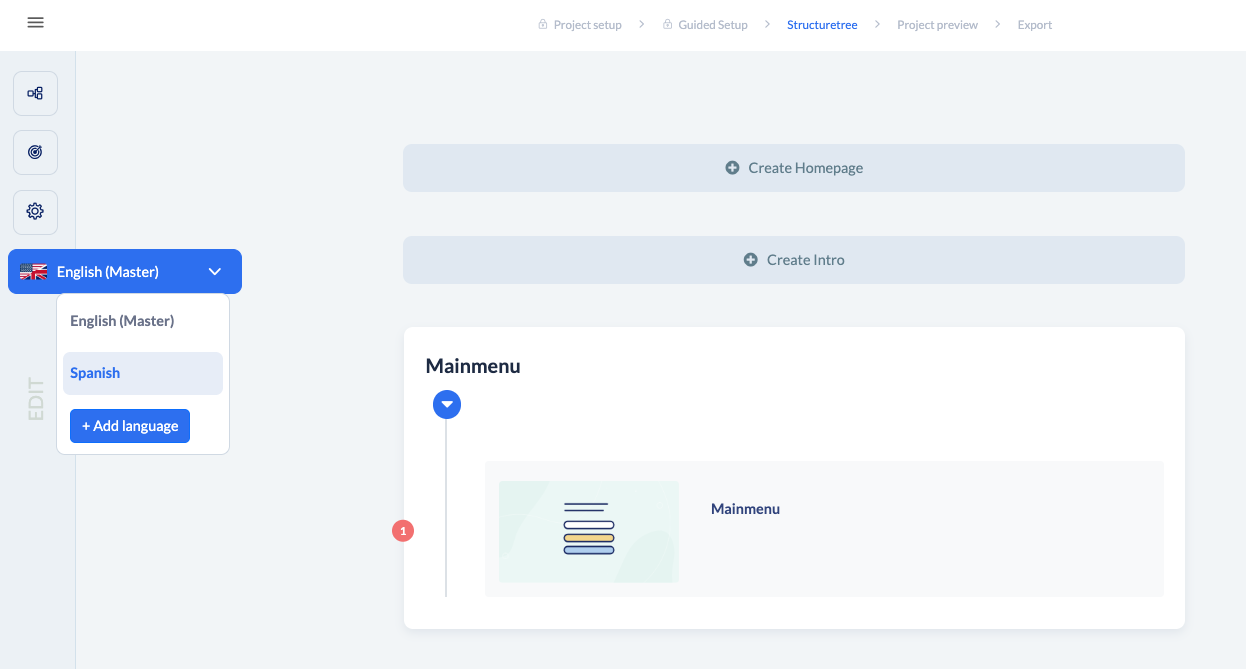
After the import a language version for the imported language is created in the project. Open the project and you’ll find the translated version via the language button (little flag) on the left. Just click on the flag and choose the language in the drop down menu.