Set the master language
You set your master’s language when you create the project.
Create more language versions
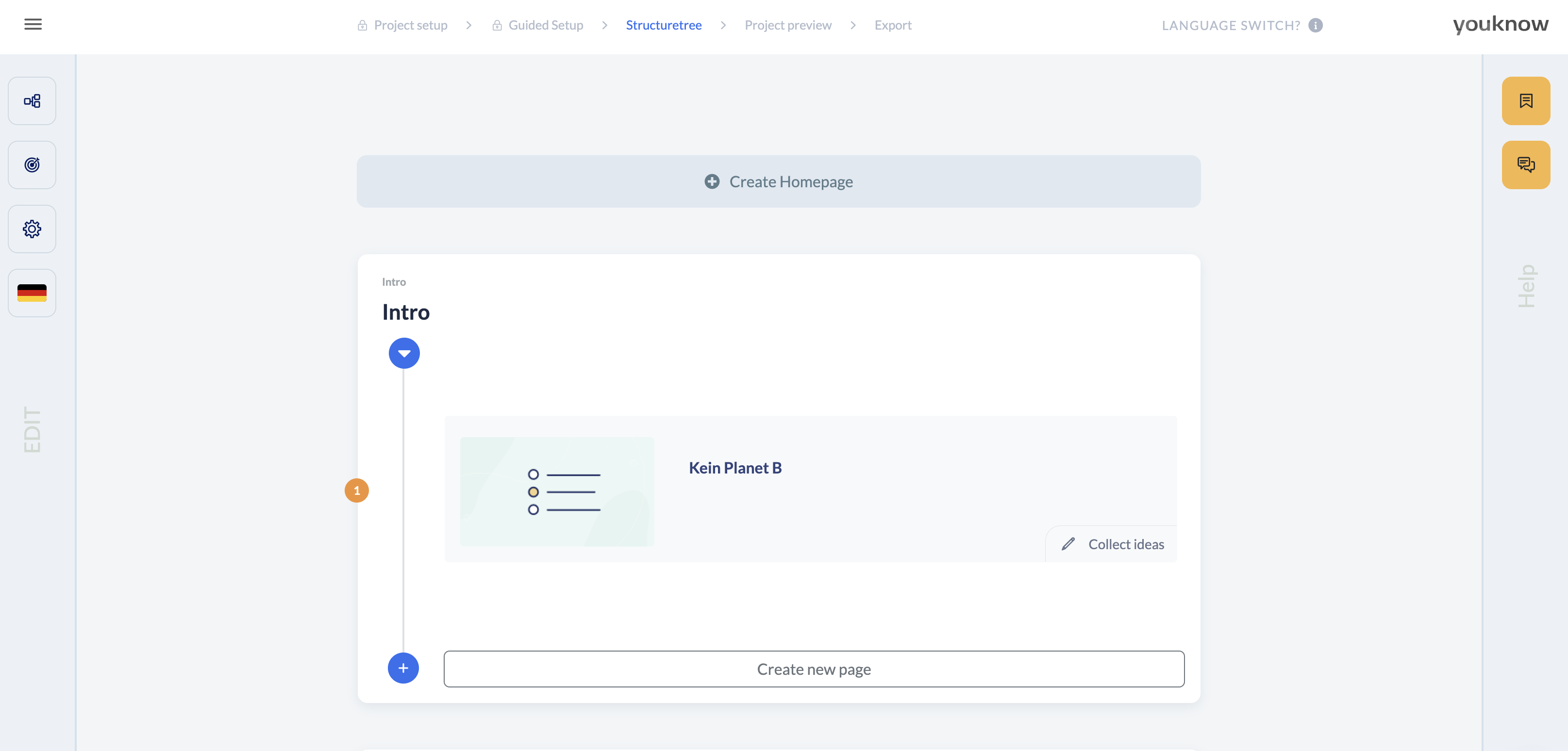
To do that, click the language (the small German flag, because the screenshot shows the German version) in the structure tree on the left, then select '+ Add language' in the drop down menu. Next, just follow the popups.

Switching language and editing translations
In the language version, you can always switch the language and edit the translation using the language button on the left of each page.

Automatic translation
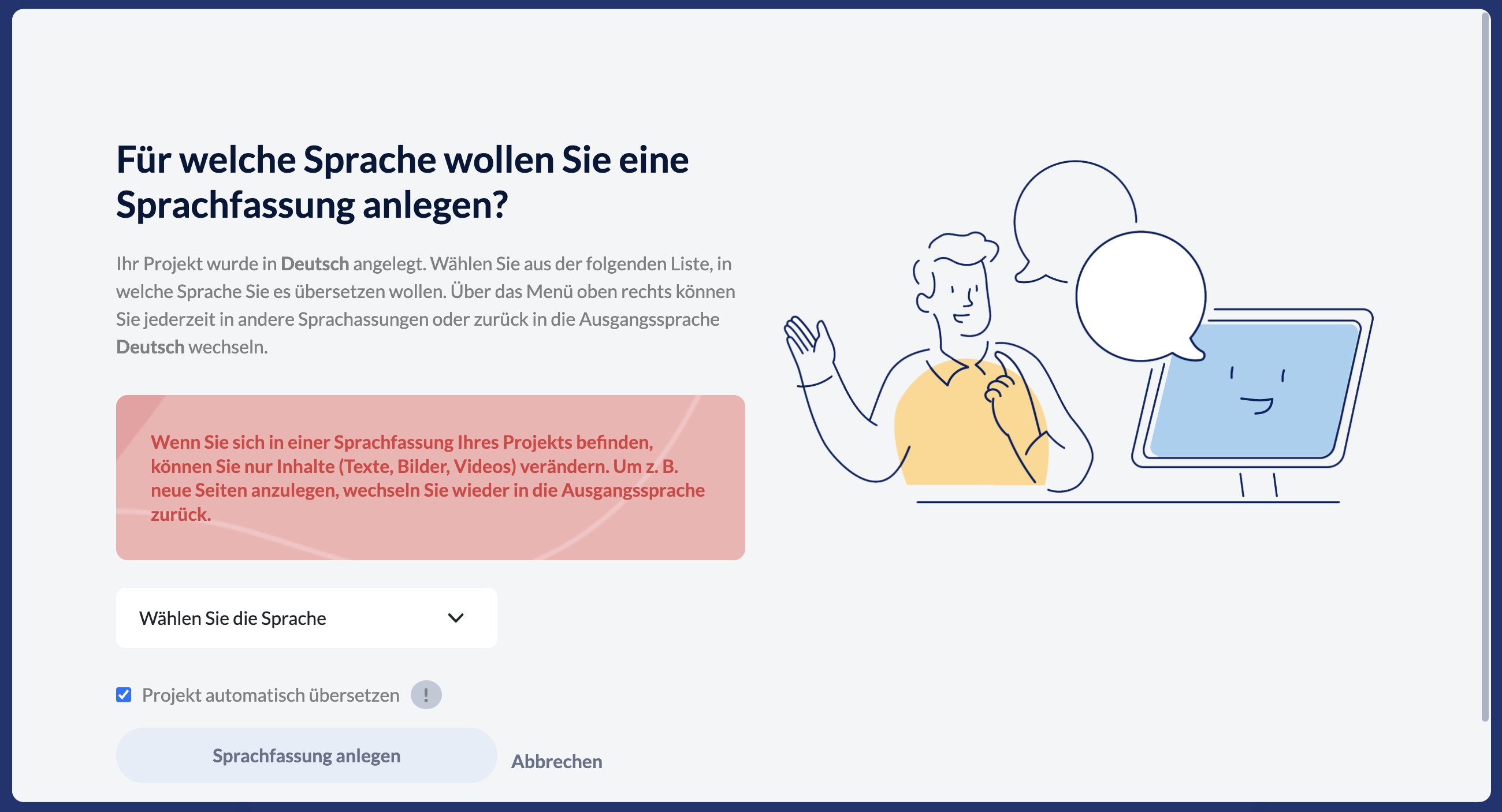
Would you like to have all your texts translated by AI? No problem. Just click the language button on the left in the structure tree, then “+ Add language” in the pop-up that appears, and check the little box at the bottom that says “Automatically translate project”. Now, just select the language you want and let the system create the language version for you.
Want to translate everything again from scratch?
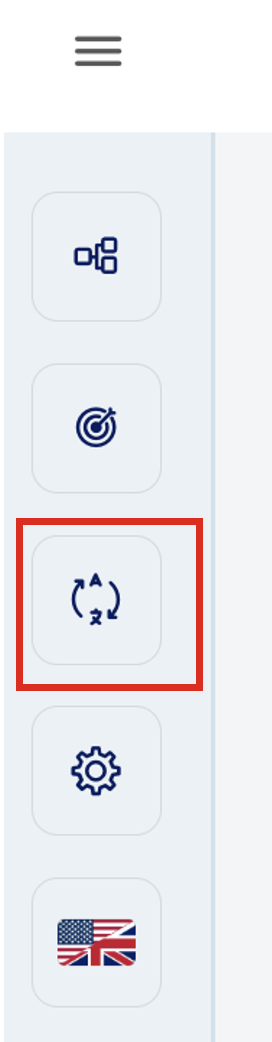
No problem, just use the Translate button on the left sidebar in the structure tree: