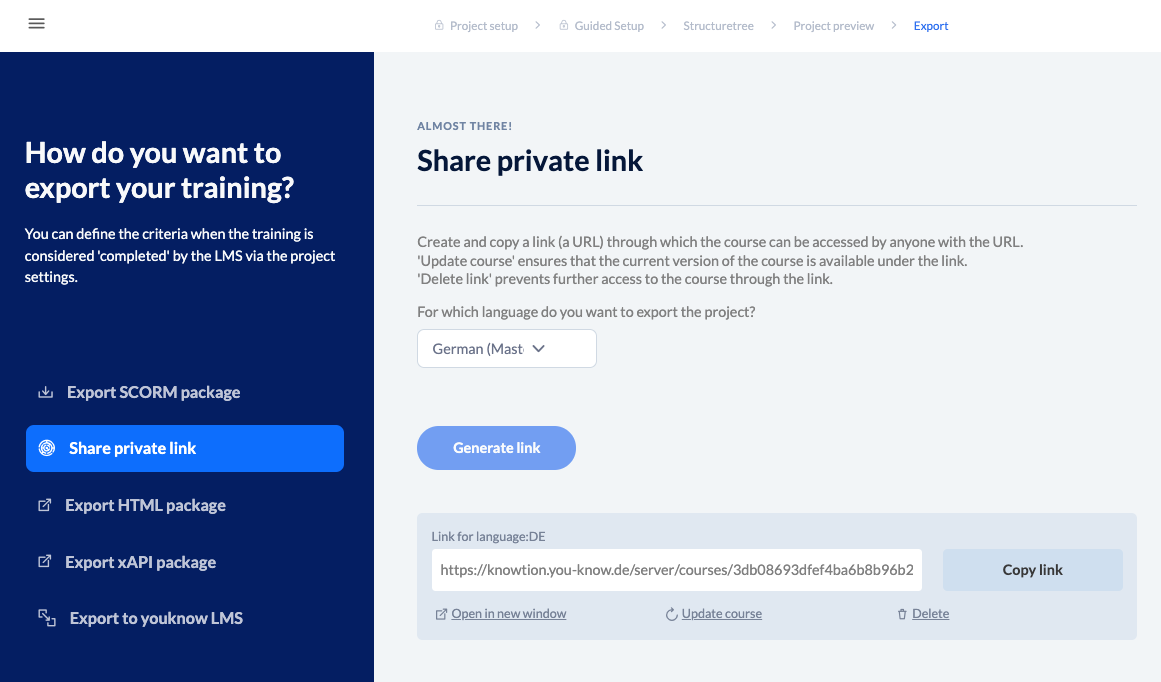
Would you like to make your project available to your colleagues for review purposes? The private link is ideal for this. In this case, your project will remain on the knowtion server. Simply click on “Generate link” and share it with whoever you like.
Update course
Have you added subsequent changes to the project? Then simply update the link so that the new version can be accessed via this link.
Your colleagues still don't see the changes? Then ask your colleagues to clear their browser cache.
Delete link
Collected all feedback? Use the “Delete” option on the respective link to delete it and no one will have access to your project.