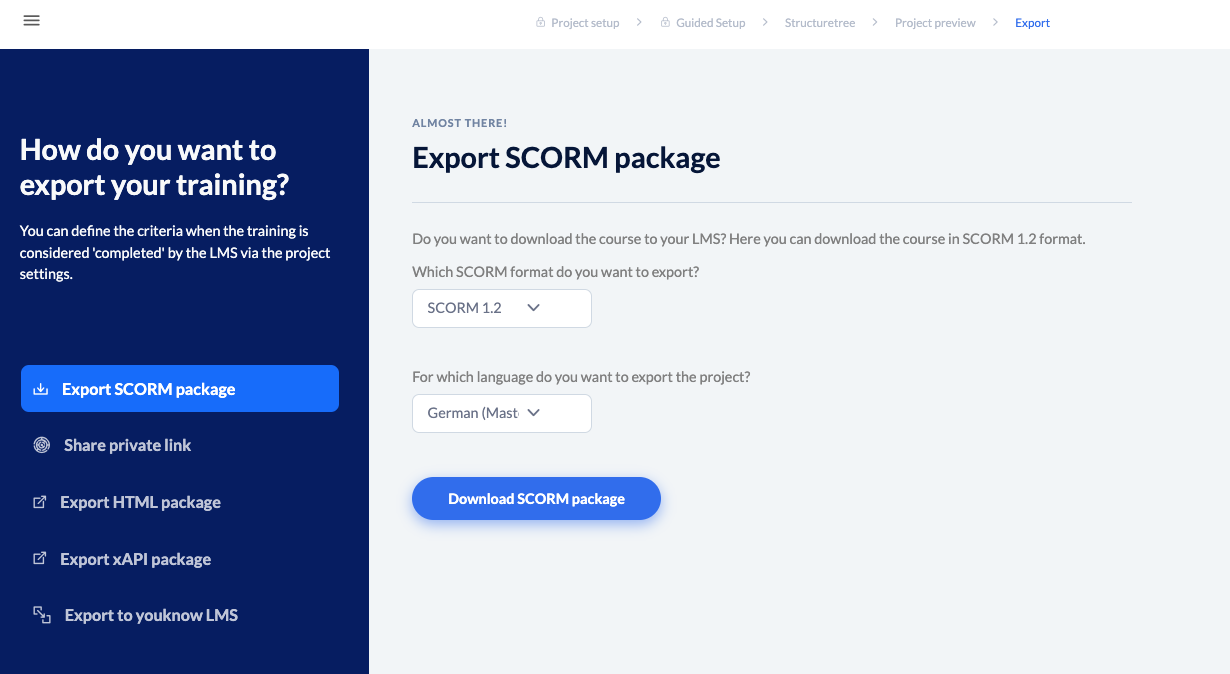
SCORM (Sharable Content Object Reference Model) is an interface standard for digital learning content. knowtion supports the Scorm standard in version 1.2 and 2004.
The important thing is: Your project is always exported in the language selected in the drop down list. So simply select the language first and then click on “Download SCORM package”.
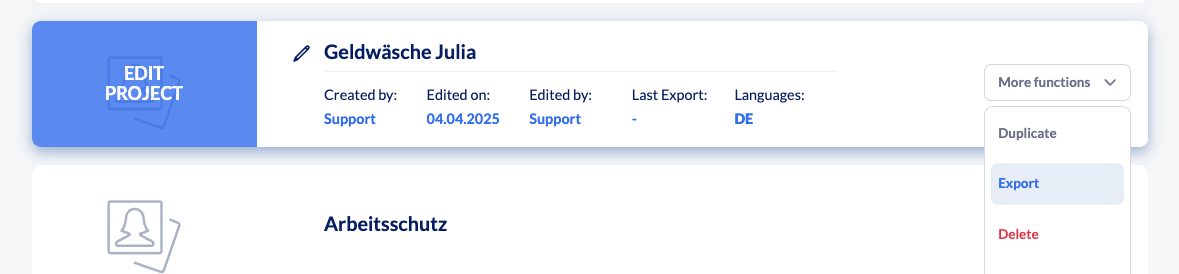
Good to know: Instead of going via the structure tree, you can alternatively go straight to the export page in the project list via ‘More functions’ and ‘Export’.
More export options
If you have a youknow LMS, you can export the training directly to your LMS using the button at the bottom.
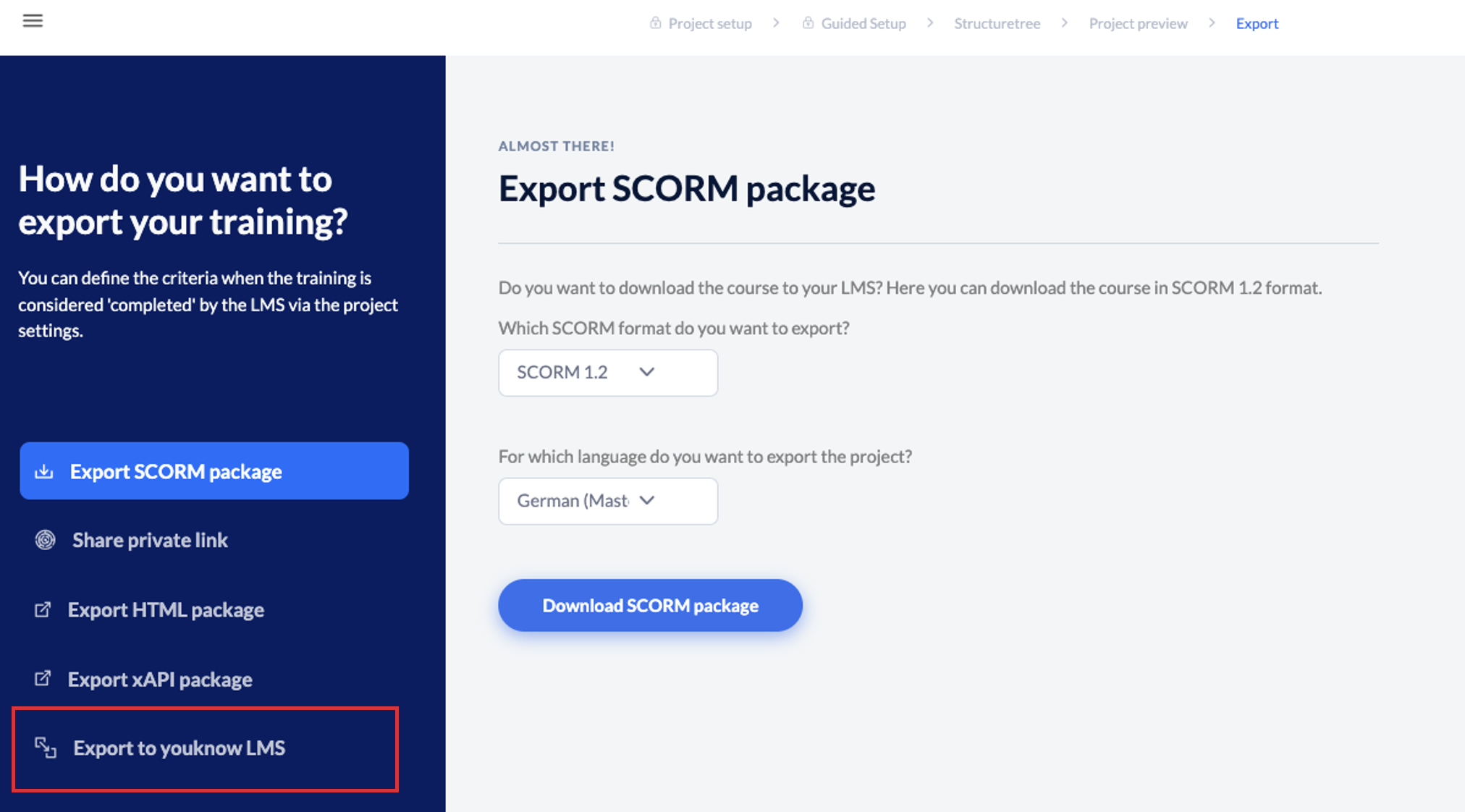
If you do not have an LMS, there are other export options available to you:
Privaten Link teilen
Informationen zum Teilen eines Links
HTML- Paket exportieren
Informationen zum Exportieren eines HTML-Pakets