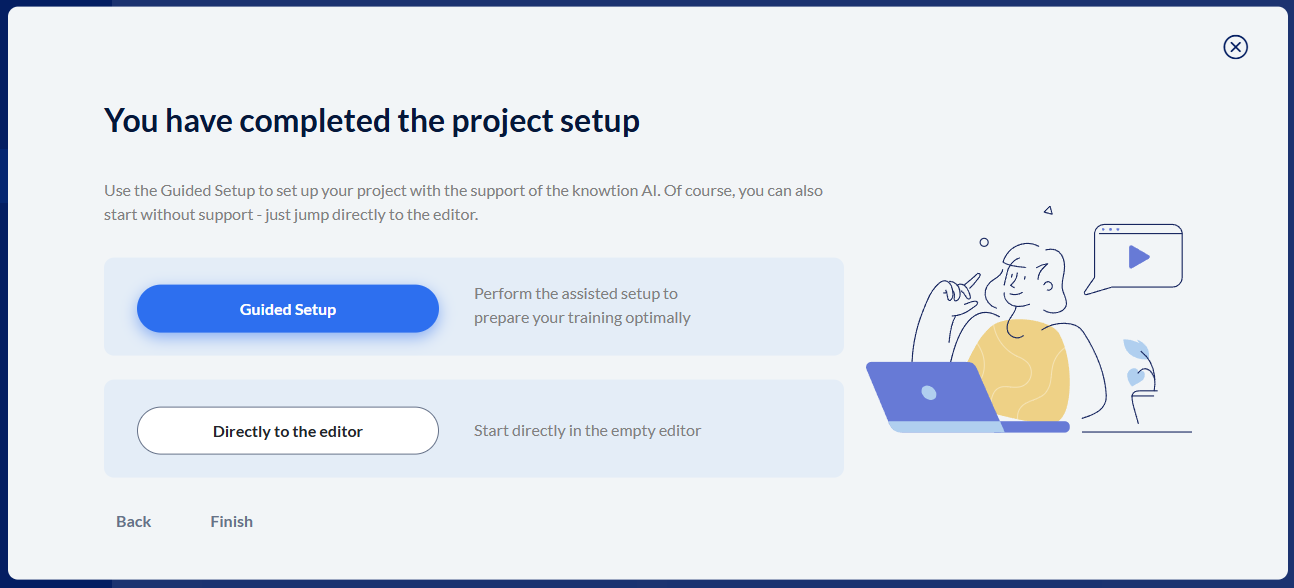
If you decided to finish the project setup without the guided setup and instead switch to “Directly to the editor”, you can freely design your project in the empty editor.
By default, the Main menu chapter is already included in the structure tree.
If you specified during project setup that you want to use a final test, or didn’t make a selection, the Final test chapter will also be shown, with the pages “Test - Start page”, “Test - End page” and “Test - Detailed evaluation”.
You now have to add and fill all further content yourself.
You can read what to do here in these articles: Projekt bearbeiten
Tip:
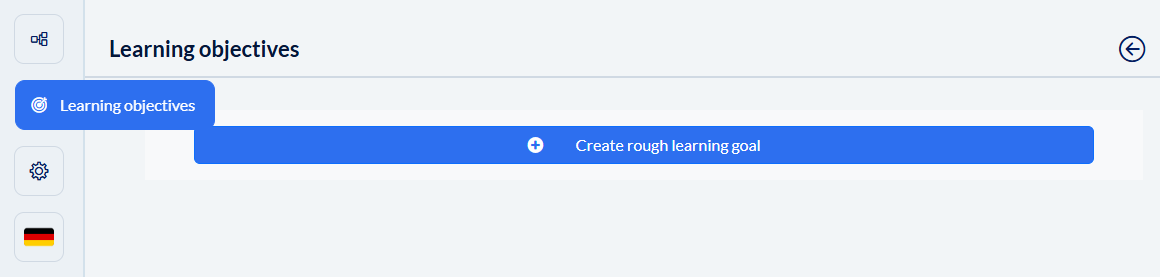
Also define your general and specific learning objectives in the freely created project so that you can fall back on valuable preselected tips from the guided setup menu during the course of creating the training.
You can expand the corresponding menu using the “Learning objectives” button on the left side.
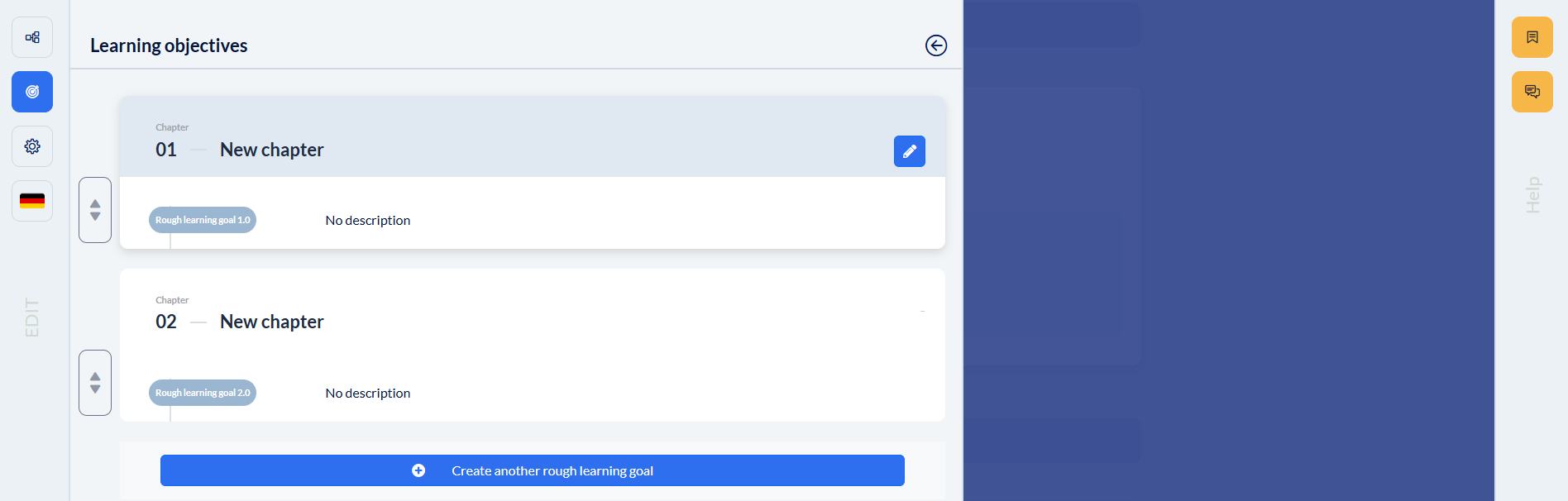
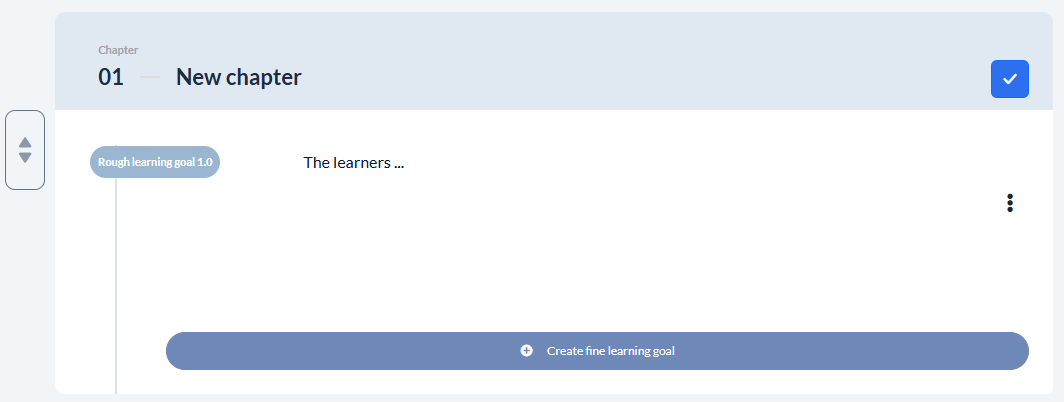
For each generated broad learning objective, a chapter is created in the structure tree of your project. When you hover over the respective chapter, a new button appears that unlocks editing so you can adjust the chapter title and broad learning objective, as well as add and define the detailed learning objectives.
(Chapter titles can also be edited in the structure tree.)
The Guided Mode supports you with helpful tips when creating content.