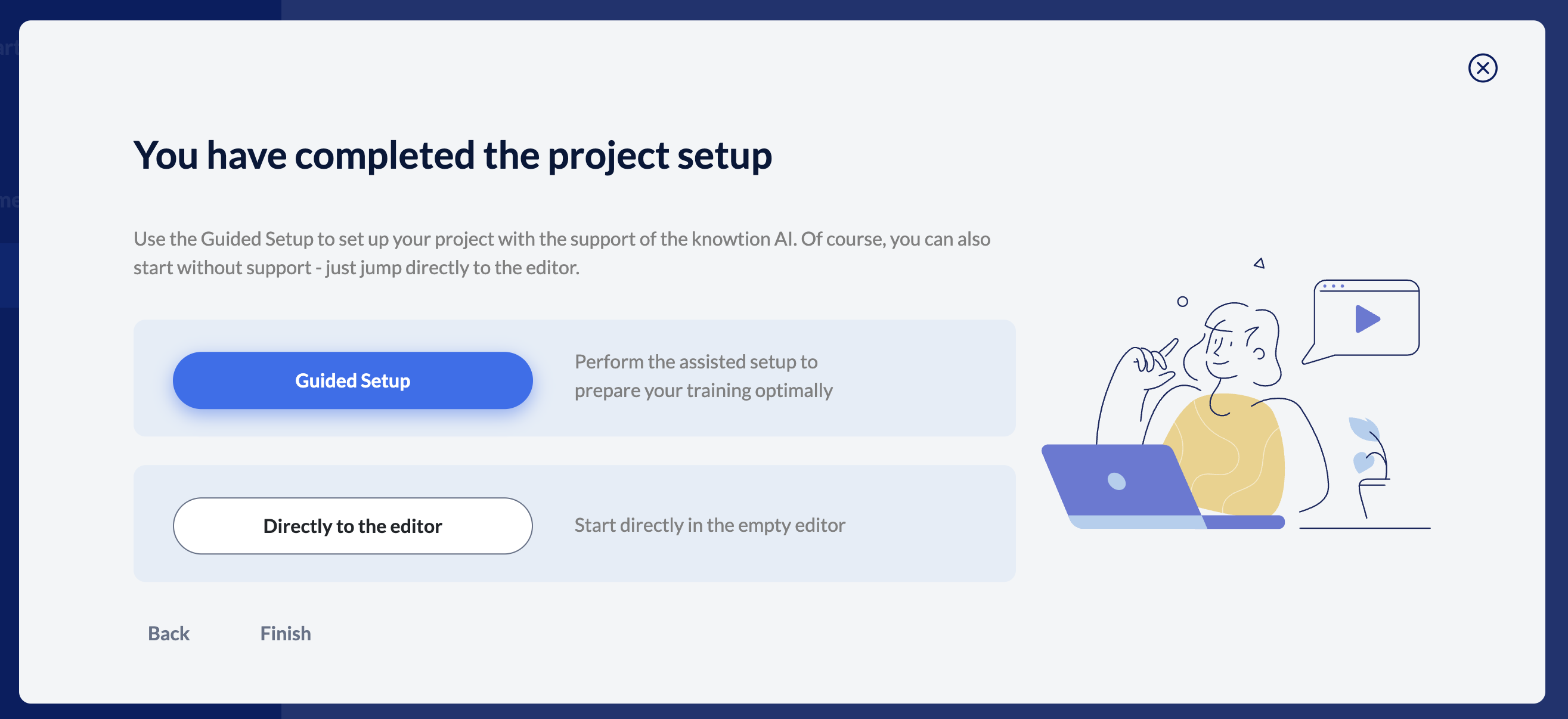
In the Guided Setup, you reveal important details about your training to knowtion. You answer questions about your training topic and target group and define your learning objectives (knowtion also supports you here). Based on your input, a didactically meaningful training structure is automatically created, right up to a fully created training course including texts and images.
You can find out more about ‘Automated content creation’ here:
From learning goal to automated content
Everything you need to know about automatic content generation
You also ‘feed’ the knowtion AI so that it can support you with customised tips in the “Guided Mode” during the training creation process.
In the Guided Setup you will be asked questions on the following topics:
Training category
Prior knowledge of the target group
Interest in the topic
Reservations
Target group description in 2-3 short sentences
You can also skip questions, but: with each answer, the knowtion tips will fit your project even better. You can change or remove all entries by clicking on the relevant area again.
And what is our Guided Mode?
The Guided Mode provides you with all the tips already mentioned that are relevant to your training, your target group, etc. - you can display the Guided Mode in the structure tree at any time by clicking on the yellow bookmark icon in the right-hand bar.
Find more information about the Guided Mode here: