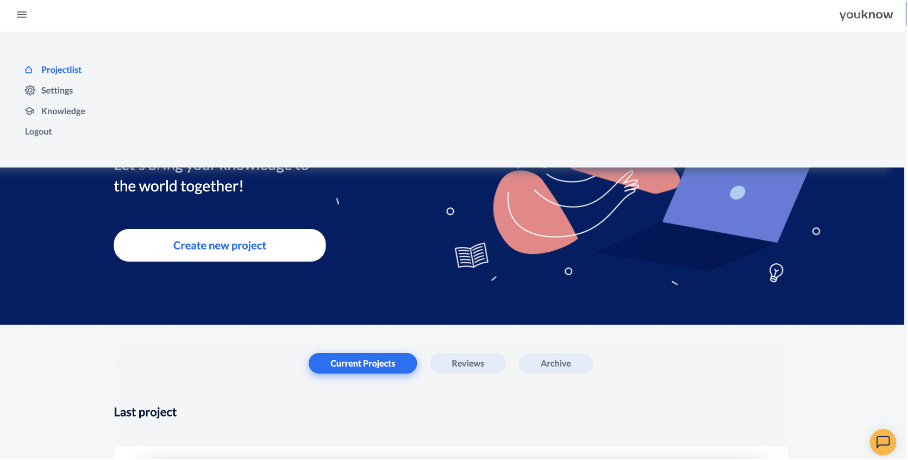
After logging in to knowtion, you will be taken to the start page. Here you can use the burger menu at the top left to call up the knowtion “knowledge store” and different “settings” (like design, your personal password etc.), for example. The start page also gives you an overview of all the projects you have created.
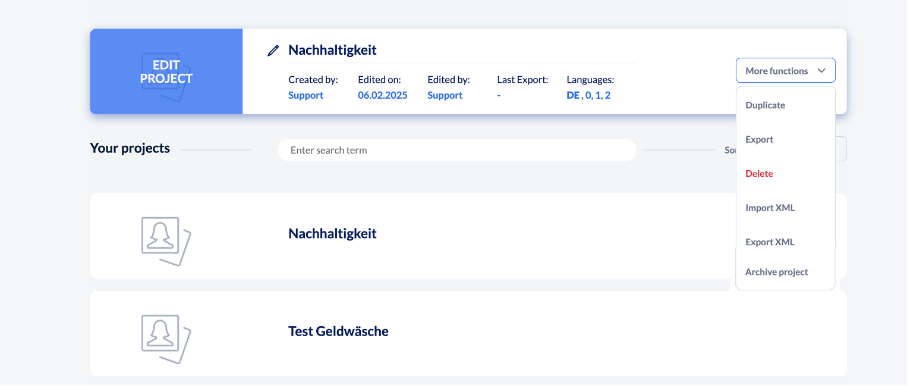
You can sort your projects according to various criteria and duplicate, export or delete them in the “More functions” area. And of course you can also directly continue the last project you worked on or create a new project.